
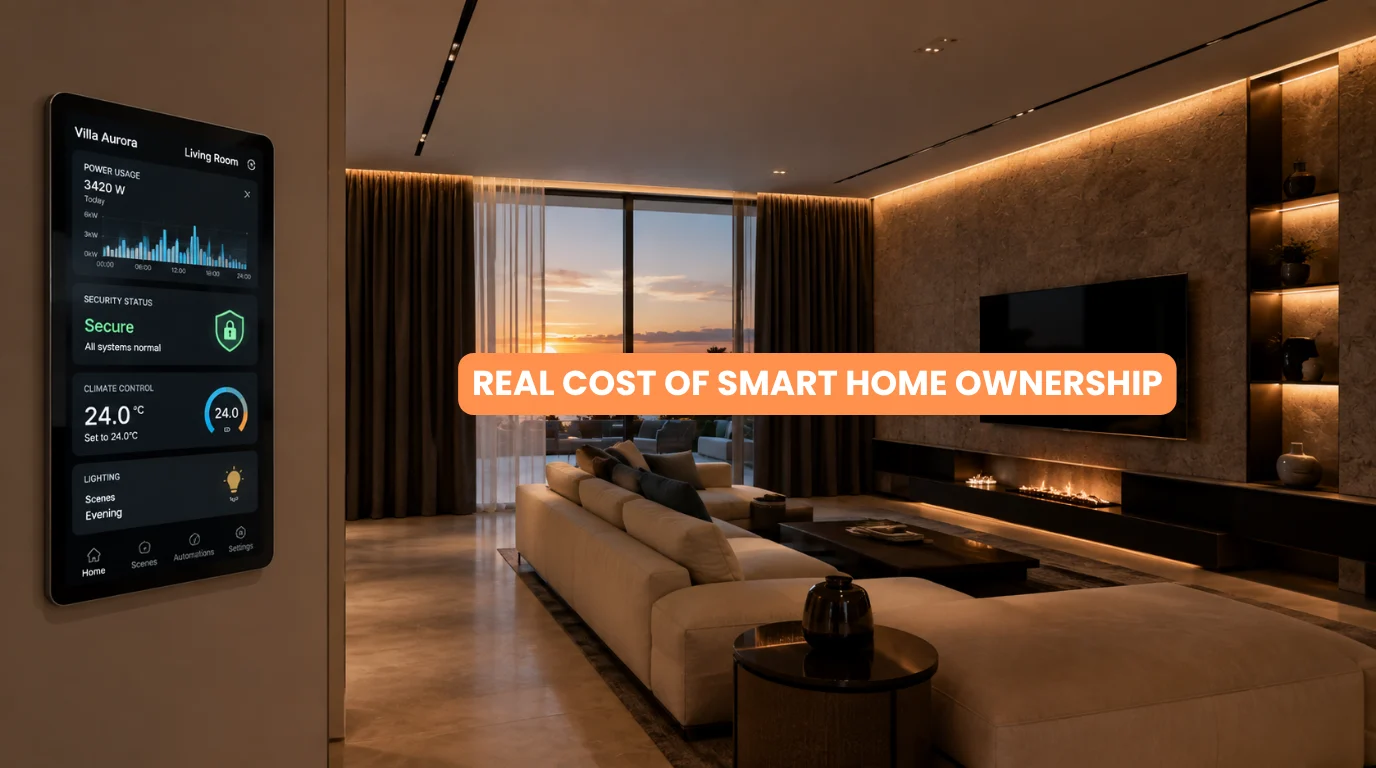
When homeowners calculate the cost of a smart home, they often focus on the biggest number: installation. You might compare the price of smart lighting, motorized curtains, security, HVAC automation, networking, controllers, and programming. But installation is only the beginning of the ownership journey. The real cost of smart home ownership lies after the installation.
Over the years, a smart home automation system can also involve maintenance, electricity, batteries, software updates, repairs, replacement devices, networking upgrades, subscriptions, and professional support.
Understand the real cost of smart home ownership before starting your project to choose technology that fits your long-term lifestyle and budget. This doesn’t mean smart homes are necessarily expensive to maintain.
A well-designed system can be highly reliable and require relatively little day-to-day attention. The important point is to look beyond the initial invoice.
Discover the real cost of smart home ownership, from post-installation expenses and optional upgrades to smart planning strategies that lower long-term costs.
Quick Answer
The real cost of smart home ownership extends beyond installation. Depending on the system, homeowners may eventually spend money on electricity, batteries, software or cloud subscriptions, maintenance, repairs, replacement devices, networking, and system upgrades.
Wired automation systems require a higher upfront investment but eliminate battery hassles, while wireless systems offer cheaper, easier expansion for retrofits.
Quick Summary
The real cost of smart home ownership can include:
- Electricity consumption
- Battery replacement
- Software updates
- Preventive maintenance
- Repairs
- Replacement hardware
- Internet and networking
- Cloud subscriptions
- Professional support
- Future upgrades
Control long-term costs by choosing reliable technology, planning system architecture early, maintaining your network, and avoiding unnecessary subscriptions.
What Does Smart Home Ownership Actually Cost?
The real cost of smart home ownership is better understood as a combination of several categories.
Initial Cost
This includes:
- Hardware
- Wiring
- Motors
- Controllers
- Installation
- Programming
- Commissioning
Ongoing Cost
This may include:
- Electricity
- Batteries
- Internet
- Subscriptions
- Maintenance
- Repairs
Future Cost
Eventually, you may also consider:
- Hardware replacement
- Technology upgrades
- Additional rooms
- New integrations
- Network upgrades
Not every homeowner will incur every expense. Evaluate smart home ownership based on the specific system architecture.
1. Electricity Costs
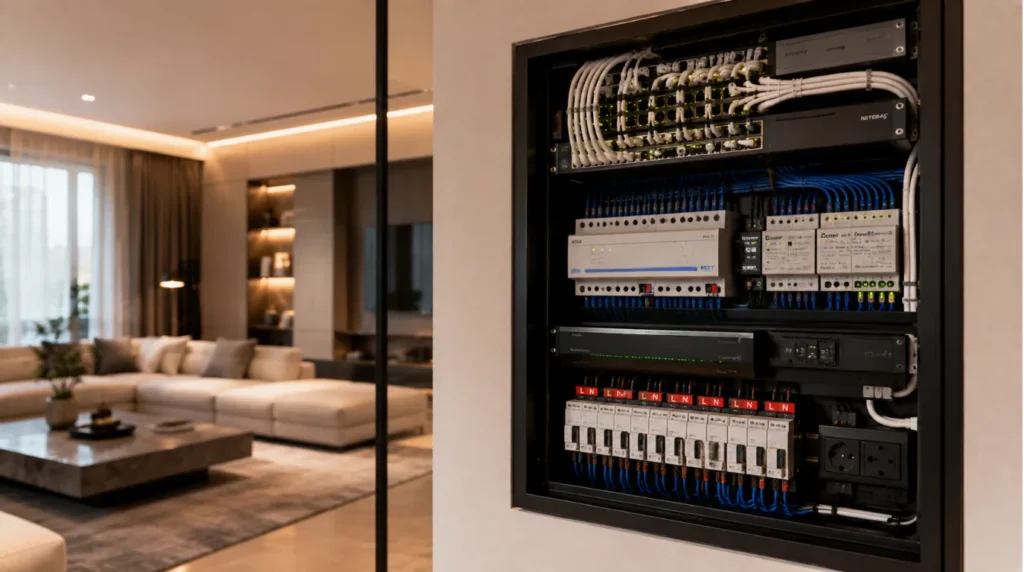
One part of the real cost of smart home ownership is the electricity consumed by connected equipment. While individual smart devices use very little electricity, dozens of always-on devices in a large home can quickly add up.
These can include:
- Controllers
- Network equipment
- Sensors
- Smart displays
- Security cameras
- Hubs
- Network switches
The actual energy cost depends on the equipment, operating hours, and local electricity rates. Automation hardware uses far less energy than major household loads like heating, air conditioning, and water heaters.
2. Battery Replacement
Wireless sensors, locks, remotes, and some motorized curtains may use batteries.
Battery costs depend on:
- Number of devices
- Battery type
- Usage frequency
- Device design
- Battery life
A home with dozens of battery-powered sensors will naturally have more recurring maintenance than a predominantly wired system. Factor battery requirements into your calculation when evaluating the real cost of smart home ownership.
3. Maintenance
Smart home technology contains both hardware and software. Maintenance can include:
- Checking controllers
- Testing sensors
- Cleaning equipment
- Replacing batteries
- Checking network equipment
- Inspecting motorized curtains
- Testing security devices
- Reviewing automation scenes
A professionally designed system doesn’t necessarily require frequent servicing. However, periodic checks can help identify problems before they affect important functions.
4. Software Updates
Software updates can improve:
- Security
- Compatibility
- Stability
- Performance
- Features
Some devices update automatically. Others may require manual intervention or professional configuration.
Homeowners must understand whether their system relies heavily on cloud services and whether the manufacturer supports ongoing updates. Long-term software support is an important part of the real cost of smart home ownership.
5. Repairs and Replacement Hardware
No electronic system lasts forever. Over time, you may need to replace:
- Sensors
- Switches
- Power supplies
- Network equipment
- Controllers
- Smart locks
- Cameras
- Curtain motors
- Other components
The cost varies significantly depending on the equipment and whether the system uses proprietary or standardized components. A system with good documentation and accessible replacement components can be easier to maintain.
6. Internet and Networking
Your smart home may depend on a reliable network. Potential expenses include:
- Internet service
- Wi-Fi access points
- Network switches
- Routers
- Ethernet cabling
- Network upgrades
For larger homes, improving the network may be necessary as the number of connected devices increases. A good network isn’t simply an IT convenience. It can be part of the infrastructure supporting the automation system.
7. Cloud and Subscription Costs
Some smart home products offer optional or required subscriptions. These may provide:
- Cloud video storage
- Advanced security features
- Remote access
- Additional automation functions
- Data storage
- Premium software features
Not every smart home requires recurring subscriptions.
When calculating the real cost of smart home ownership, identify which services are one-time purchases versus Recurring subscriptions. A small monthly fee can become a meaningful long-term cost when multiplied over several years.
8. Professional Support
Complex systems may occasionally require professional assistance. This could involve:
- Troubleshooting
- Reprogramming
- Adding new devices
- Integrating new systems
- Diagnosing network problems
- Updating automation scenes
- Replacing hardware
Simple consumer devices can often be maintained independently.
A large KNX-based luxury home with integrated lighting, HVAC, curtains, security, and entertainment is different. Professional support may be valuable for keeping the system functioning as intended.
9. Future Upgrades
Technology changes. You may eventually want:
- New lighting controls
- Additional sensors
- New smart locks
- Better security cameras
- Additional rooms
- New entertainment equipment
- Energy monitoring
- New automation integrations
A scalable system can make these additions easier. Don’t calculate the real cost of smart home ownership over just the first year. Think in terms of the home’s expected ownership period.
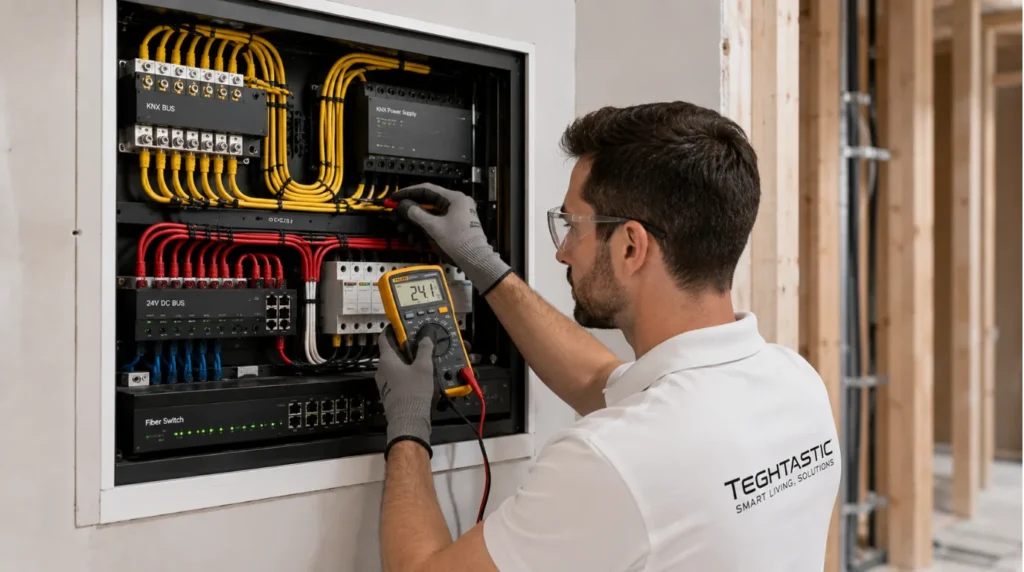
Wired vs. Wireless Ownership Costs
| Factor | Wired System | Wireless System |
|---|---|---|
| Initial Infrastructure | Higher | Lower |
| Battery Replacement | Lower | Potentially higher |
| Retrofit | More difficult | Easier |
| New Construction | Excellent | Good |
| Network Dependence | Lower for control backbone | Higher |
| Expansion | Structured | Flexible |
| Maintenance | Generally predictable | Device-dependent |
| Long-Term Planning | Strong | Requires ecosystem planning |
Neither approach is automatically cheaper.
A wired system can require more upfront infrastructure, while a wireless system may create recurring battery and network considerations.
What Does a Smart Home Cost Over 5–10 Years?
There isn’t one universal number. The real cost of smart home ownership depends on:
- Home size
- Number of automated systems
- Architecture
- Device quality
- Battery usage
- Subscription services
- Network requirements
- Maintenance
- Upgrade frequency
A small smart apartment and a fully automated luxury villa can have dramatically different ownership profiles.
Instead of asking: “What does a smart home cost?”
ask: “What will this specific system cost me to operate, maintain, and upgrade over its expected lifespan?”
How to Reduce the Real Cost of Smart Home Ownership
1. Buy for Long-Term Compatibility
Avoid products that lock you into unnecessary ecosystems.
2. Plan Before Purchasing
Design the system architecture before buying individual devices.
3. Prioritize Reliability
A slightly higher-quality component may provide better long-term value.
4. Reduce Unnecessary Subscriptions
Check whether recurring services are actually required.
5. Plan Networking Properly
A reliable network can prevent many apparent “smart home” problems.
6. Use Wired Infrastructure Where Appropriate
For new construction, wiring critical systems can reduce battery dependence.
7. Keep Documentation
Maintain records of:
- Devices
- Wiring
- Controllers
- Configurations
- Passwords/access procedures
- Warranty information
Good documentation can make future servicing significantly easier.
Which Smart Home Features Cost the Most to Maintain?
Generally, systems with more hardware and moving parts can require more attention. Examples include:
Motorized Curtains
Motors and tracks may eventually require servicing.
Security Cameras
Cameras may require cleaning, network support, storage, or replacement.
Smart Locks
Batteries and mechanical components require attention.
HVAC Automation
Controllers and sensors may need occasional servicing alongside the HVAC equipment itself.
Home Networking
Routers, switches, and access points eventually become outdated. This doesn’t mean these systems are poor investments. Simply include them in your ownership planning.
A Practical Ownership Cost Matrix
| Cost Category | Frequency | Can You Reduce It? |
|---|---|---|
| Electricity | Ongoing | Yes |
| Batteries | Periodic | Yes |
| Software Updates | Periodic | Sometimes |
| Maintenance | Periodic | Yes |
| Repairs | Occasional | Through quality/planning |
| Subscriptions | Monthly/Annual | Often |
| Network Upgrades | Occasional | Through planning |
| Hardware Replacement | Long-term | Through quality/scalability |
| Professional Support | As needed | Sometimes |
| Feature Upgrades | Optional | Yes |
Representative Example
Illustrative Example: This is a planning scenario, not a specific Techtastic client project.
Imagine a luxury villa with:
- KNX lighting
- Motorized curtains
- HVAC integration
- Security System
- Home theatre
- Structured networking
The homeowner’s initial installation is significant. But over the following years, the main ownership expenses may differ from the installation itself.
The homeowner might need:
- Periodic system checks
- Network equipment upgrades
- Curtain motor servicing
- Replacement sensors
- Occasional programming
- Additional integrations
The lesson is that the real cost of smart home ownership isn’t simply the original installation invoice. It’s the total cost of keeping the system useful and reliable over time.
Common Mistakes
Looking Only at Installation Price
The cheapest installation isn’t necessarily the cheapest system to own.
Ignoring Subscriptions
Recurring costs can add.
Using Too Many Battery Devices
Battery maintenance can become inconvenient in larger systems.
Choosing Proprietary Hardware Without a Plan
Replacement options may become limited later.
Neglecting the Network
Network problems can affect multiple smart systems simultaneously.
Not Planning Future Expansion
Retrofitting can become expensive if the original infrastructure wasn’t designed for growth.
Is a Smart Home Expensive to Maintain?
Not necessarily. A well-designed system can be relatively low-maintenance.
Understanding what you buy and how you will maintain each component makes the real cost of smart home ownership far more predictable. The key is to distinguish between necessary ownership costs and optional upgrades. You don’t have to continuously add new technology to keep an existing smart home functional.
Our Recommendation
The best way to understand the real cost of smart home ownership is to evaluate the complete lifecycle: Design → Installation → Operation → Maintenance → Repairs → Upgrades
Before starting a project, ask your installer:
- What recurring costs should I expect?
- Which components require batteries?
- Which systems require subscriptions?
- What happens if a device fails?
- How long are components expected to remain supported?
- Can the system be expanded later?
- What maintenance does the system require?
- Can important functions work locally?
- What network infrastructure is required?
- Who will support the system after installation?
These questions can reveal the real cost of smart home ownership that isn’t visible on the initial quotation.
At Techtastic, the goal is to design smart home systems around long-term usability, not just the initial installation.
Key Takeaways
- The real cost of smart home ownership extends beyond installation.
- Electricity, batteries, maintenance, subscriptions, repairs, and upgrades can all contribute.
- Wireless systems may require more battery management.
- Wired systems can reduce battery dependence in suitable applications.
- Network infrastructure is an important long-term consideration.
- Cloud subscriptions can create recurring expenses.
- Higher-quality hardware can provide better long-term value.
- Proper planning can reduce future retrofit costs.
- A scalable system is easier to expand over time.
- Smart home ownership is not expensive when the system is properly designed.
Frequently Asked Questions
1. What is the real cost of smart home ownership?
The real cost of smart home ownership goes beyond initial installation to include ongoing expenses like electricity, batteries, maintenance, subscriptions, and future upgrades.
2. Do smart homes require monthly payments?
Not necessarily. Some products have optional or required subscriptions, while many automation systems can operate without recurring software fees.
3. What is the real cost of smart home ownership?
A. The real cost of smart home ownership goes beyond initial installation to include ongoing expenses like electricity, batteries, maintenance, subscriptions, and future upgrades.
4. Do smart homes require monthly payments?
A. Not necessarily. Some products have optional or required subscriptions, while many automation systems can operate without recurring software fees.
5. Are smart homes expensive to maintain?
A. It depends on the system. A professionally designed system with reliable components can be relatively low-maintenance.
6. Do smart home devices increase electricity bills?
A. While smart devices draw continuous power, their overall energy consumption remains far lower than major household loads like HVAC and appliances. Actual consumption varies.
7. Do wired smart homes cost less over time?
A. Not automatically. Wired systems typically require greater upfront infrastructure, but they can reduce battery dependence and provide a structured foundation for larger projects.
8. How often should a smart home be serviced?
A. There is no universal interval. Maintenance requirements depend on the equipment and system architecture. Periodic checks can be useful for complex installations.
9. Do motorized curtains require maintenance?
A. They can. Motors, tracks, power supplies, and controls may eventually require inspection or servicing, particularly with frequent use.
10. What happens when a smart device becomes outdated?
A. Depending on the system, technicians can replace, upgrade, or integrate it through another compatible component. Choosing scalable technology can make future replacement easier.
Collaboration Opportunities for Architects & Interior Designers
Understanding the real cost of smart home ownership is particularly important when designing luxury homes.
Techtastic can collaborate with:
- Architects
- Interior Designers
- Builders
- Developers
- Luxury Villa Developers
- Project Management Consultants
Services include:
- Smart Home System Design
- KNX Automation
- Smart Lighting
- Motorized Curtain Planning
- HVAC Integration
- Smart Security Systems
- Home Theatre Automation
- Structured Networking
- Technical Drawings
- Programming
- Testing & Commissioning
Early planning can help reduce future retrofit work and create a system that remains practical to maintain.
Areas We Serve
Techtastic provides smart home automation solutions across:
Navi Mumbai • Nashik • Lonavla • Sangli
The company also serves projects across the wider Mumbai and Thane region.
Think Beyond the Installation Quote
The real cost of smart home ownership isn’t just the amount you pay when the system is installed.
It’s what you spend and how much effort you need to invest to keep the system working, supported, secure, and useful throughout its life. A well-designed smart home should not require constant attention.
It should quietly handle everyday tasks while giving you the flexibility to expand when your needs change. The smartest investment isn’t necessarily the system with the most devices. It’s the system that delivers the right features, with a sensible long-term ownership model.
At Techtastic, we help homeowners and professionals plan automation around reliability, scalability, usability, and long-term value.
Talk to Techtastic to design a smart home built for years beyond installation.
Contact Techtastic
🌐 Website: Techtastic Website
📞 Phone: 9769145145
📍 Service Areas: Mumbai • Navi Mumbai • Pune • Lonavala • Nashik • Sangli