
Summary
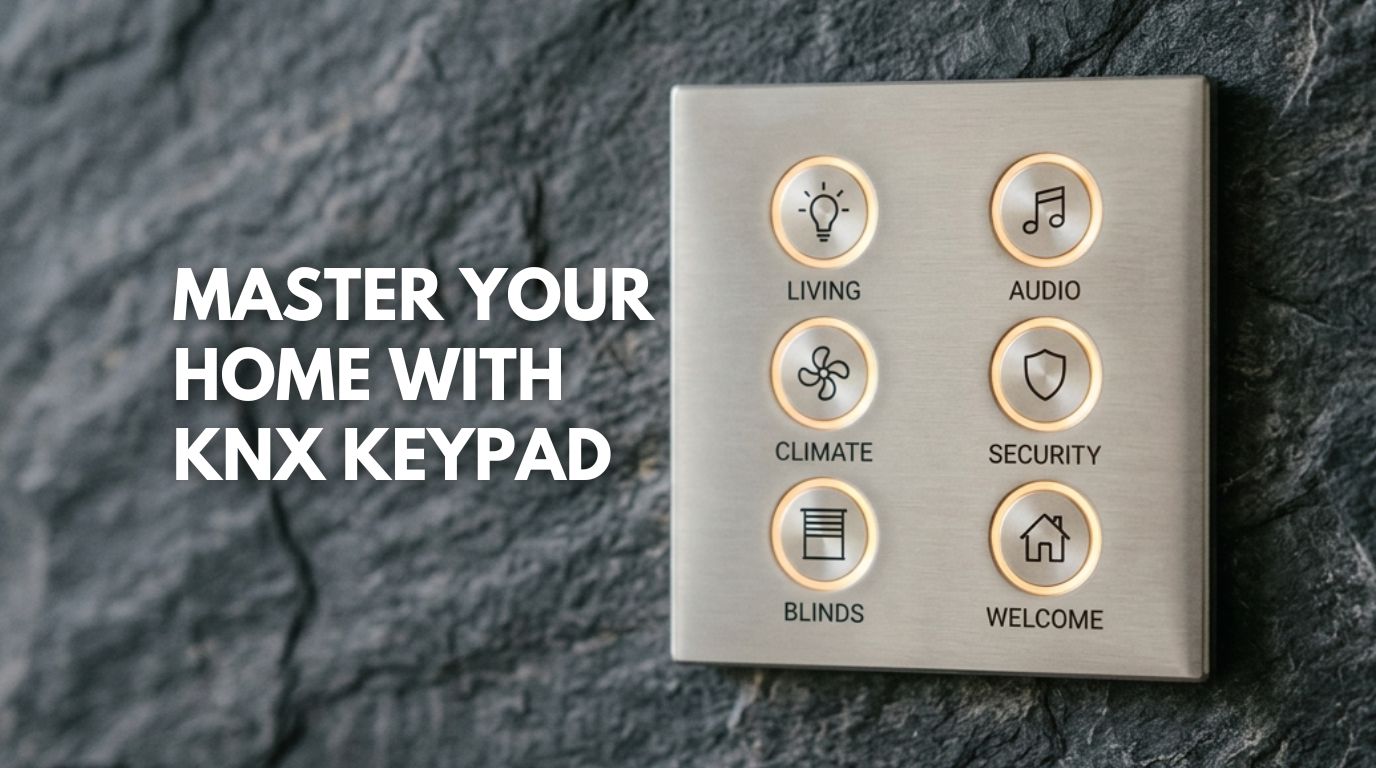
I often hear people complain that modern home automation is overwhelming. They are tired of juggling too many apps, staring at too many screens, and seeing walls cluttered with switches. I believe the KNX Keypad is the best solution. It combines control of an entire room into a single elegant interface.
My “One Touch, Seven Functions” approach lets you manage lights, climate, security, and music from one device. In this blog, I explain how I use this hardware to replace rows of plastic switches.
How I Master Home Control with a KNX Keypad?
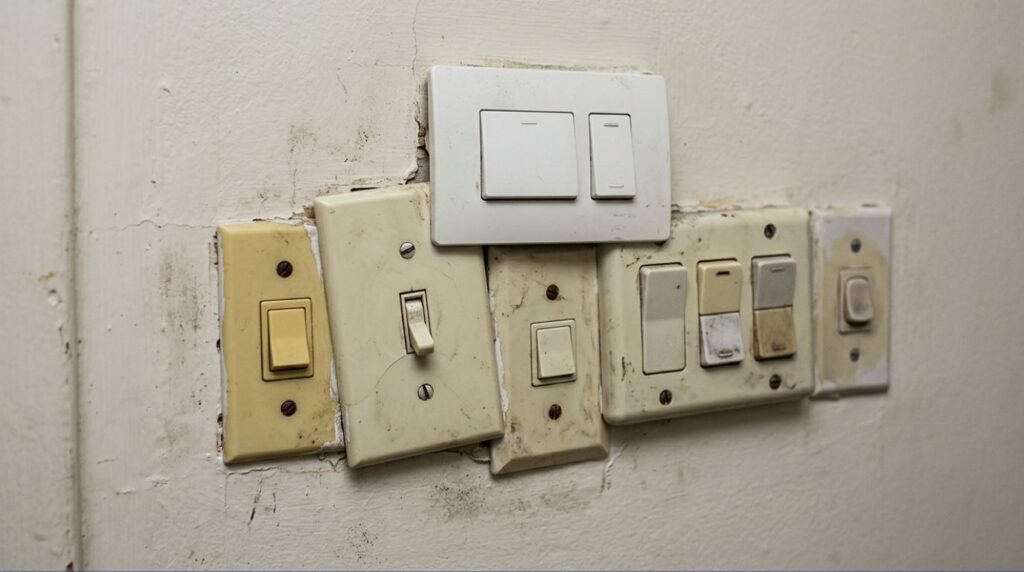
I want you to imagine walking into your living room. In a traditional house, you’d likely see what I call a “switch graveyard”—a row of six or seven mismatched plastic switches. You have to remember which one toggles the fan, which three control the light circuits, and which one handles the chandelier. Then, you still have to hunt for a separate plastic remote just to turn on the AC.
When I design a home, I replace that entire cluttered mess with a single, sleek plate made of glass, brushed metal, or even stone. This isn’t just a switch to me; it’s a KNX Keypad.
Today, I’m moving away from technical wiring diagrams to discuss how I actually live with this technology. I will show you how I program a single touch to trigger seven distinct functions. This approach brings a level of simplicity to your life that a smartphone app cannot match.
1. Why I Prefer Physical Control Over Apps
I’ve noticed that many of my clients suffer from “app fatigue.” You want to dim the lights for a movie, but you have to find your phone, unlock it, open an app, and wait for it to connect. By the time you finish all that, you’ve missed the moment.
With a KNX Keypad, I bring control back to the physical world. Because I build these on the KNX Bus, they don’t need to “wake up.” The second your finger touches the surface, the house reacts.
To me, this is how you humanize technology—by making it invisible until the moment you need it.
2. My “Seven Functions” Breakdown
When I’m designing a “Thinking Home” for a project in Nashik or Lonavla, I don’t just assign one button to one light. I use logic to make the home work for you. Here is how I program a single KNX keypad to master an entire environment:
Function 1: The “Welcome” Scene
A single press activates a holistic “Welcome” scene: the vestibule illuminates to 40%, cove lighting shifts to a warm amber hue, and the system establishes a navigational path to the kitchen.
Function 2: Hidden Climate Control
A KNX keypad features integrated thermal sensors. I utilize these to eliminate unsightly thermostats. The KNX keypad monitors the ambient temperature and directs the HVAC system to maintain an optimal climate.
Function 3: Managing the View (Blinds)
In the Navi Mumbai climate, solar management is vital. I program the interface so a sustained press descends the blackout drapes, while a double-tap precisely adjusts the sheers.
Function 4: Instant Audio
I configure specific buttons to initiate curated playlists or modulate the volume of integrated architectural speakers.
Function 5: The “Master Off”
Upon exiting, a single command deactivates all lighting, climate control, and water heating systems to maximize energy efficiency.
Function 6: Silent Status Alerts
I employ the keypad’s subtle LED rings to provide non-intrusive feedback. For instance, a crimson glow can indicate an unsecured perimeter gate.
Function 7: The Emergency Trigger
I can set up specific sequences, such as holding two buttons at once, to trigger a high-priority alarm. This mode flashes your external lights to signal for assistance.
3. My Cure for “Wall Acne”
I work with architects in Mumbai and Pune to eliminate “Wall Acne.” This term describes the cluster of mismatched switches that often ruins the look of expensive marble or wallpaper.
Because I use the KNX standard, I only need one back-box in the wall. Whether I’m controlling two things or twenty, the footprint stays the same. I let you choose the material, such as antique brass, minimalist glass, or slate. I then ensure the technology adapts to your interior design.
4. Built for the Maharashtra Climate
I’ve seen plenty of touch-sensitive gadgets fail in the humid hills of Lonavla or the dusty air of Sangli. I prefer KNX keypad for these reasons. Engineers design these keypads for industrial durability. They don’t lag or overheat; they just work, whether it’s a monsoon morning or a scorching summer afternoon.
Collaboration Opportunities for Builders and Architects
I work with developers, architects, and interior designers to enhance residential projects by integrating smart home technology during the planning and design stages. My team ensures that automation aligns seamlessly with your design layouts, electrical infrastructure, and interior concepts.
I invite you to partner with Techtastic to implement high-quality smart home solutions for your upcoming projects in Nashik, Navi Mumbai, Sangli, and Lonavla.
Contact me at 9769145145 for a professional consultation to see how expert home automation can elevate your design vision.
Let’s Elevate Your Daily Routine
I believe mastering your home should feel natural, not like a chore. By moving to a single-point interface, I help you reclaim the beauty of your walls while giving you total control.
Ready to simplify your space? Unsure which technology suits your lifestyle? Compare my deep dives into KNX Wired Systems in my latest project spotlights.
Technical FAQs: My Expert Answers
Q: Is it confusing to have one KNX keypad do so many things?
Not the way I design it. I follow a “Natural Logic” layout. I usually assign the most-used function to the largest button. I also use clear icons or laser engraving so you and your guests never have to guess.
Q: Can I change the button functions later?
Definitely. Since I use the KNX protocol, the system is software-based. If you decide a button should control the patio instead of the music, I can reprogram it for you. This process does not require opening your walls.
Q: Will the keypad work if my Wi-Fi goes down?
Yes. I ensure the KNX keypad communicates directly over the physical KNX home automation cable. It doesn’t value your router or your internet connection.
Q: How do I clean it without triggering all the lights?
I configure a “Cleaning Mode.” You can lock the KNX keypad for a few seconds so that wiping the surface doesn’t trigger any scenes.