
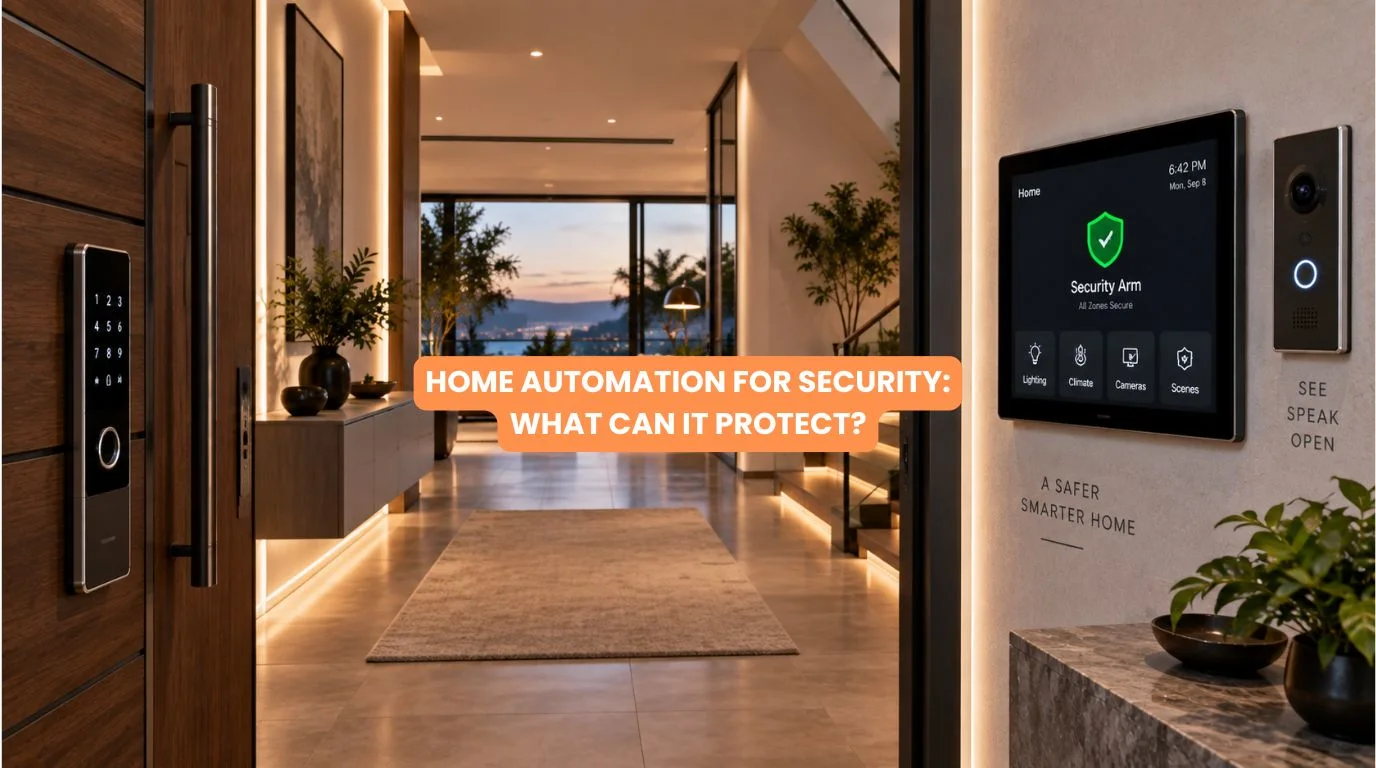
A modern home is no longer protected by a single lock, CCTV camera, or alarm. Today, homeowners can connect doors, windows, cameras, motion sensors, lights, access control, video door phones, and alerts.
They can manage them as one smart security system. That is where home automation for security becomes particularly useful.
Instead of only recording what happens after an incident, an integrated system can detect unusual activity. It can alert homeowners, trigger predefined responses, and make the property look occupied when nobody is home.
For premium apartments, villas, and large residences, this can make security considerably more proactive. So, what exactly can home automation for security protect?
The answer includes much more than the front door.
Quick Summary
Home automation for security can help protect:
✓ Doors and entry points
✓ Windows and vulnerable access points
✓ Residents through emergency alerts
✓ Vehicles and selected outdoor areas
✓ Valuable rooms and restricted areas
✓ Homes when occupants are away
✓ Property against unauthorized access
✓ The home through integrated CCTV and sensors
✓ Safety through fire, smoke, water-leak, and other alerts
✓ Privacy by controlling who can access different spaces
The biggest advantage is integration. Instead of treating every security device separately, automation can coordinate multiple systems around the same event.
Quick Answer
Home automation for security can help protect your property, people, access points, valuable areas, and overall safety by connecting security devices with automated responses and alerts.
For example, imagine that a motion sensor detects movement in an unexpected area late at night.
Instead of simply recording the movement, the system could be programmed to:
- Detect motion.
- Activate selected lighting.
- Trigger an alert.
- Display the relevant CCTV feed.
- Notify the homeowner.
- Activate another predefined security response.
This is the difference between having individual security smart home devices and having home automation for security.
1. Protecting Doors and Main Entry Points
Your main entrance is one of the most important areas to secure.
Smart automation can integrate:
- Smart locks
- Video door phones
- Door sensors
- Access control
- Intercom systems
- CCTV
- Motion sensors
Instead of simply locking the door, homeowners can create rules around access. For example, you can connect a smart lock to a wider automation system. Authorized access can then trigger the right lighting or other actions.
A suspicious or unauthorized access event can generate an alert. This makes home automation for security especially useful for large homes where multiple entrances may need monitoring.
2. Protecting Windows and Secondary Entry Points
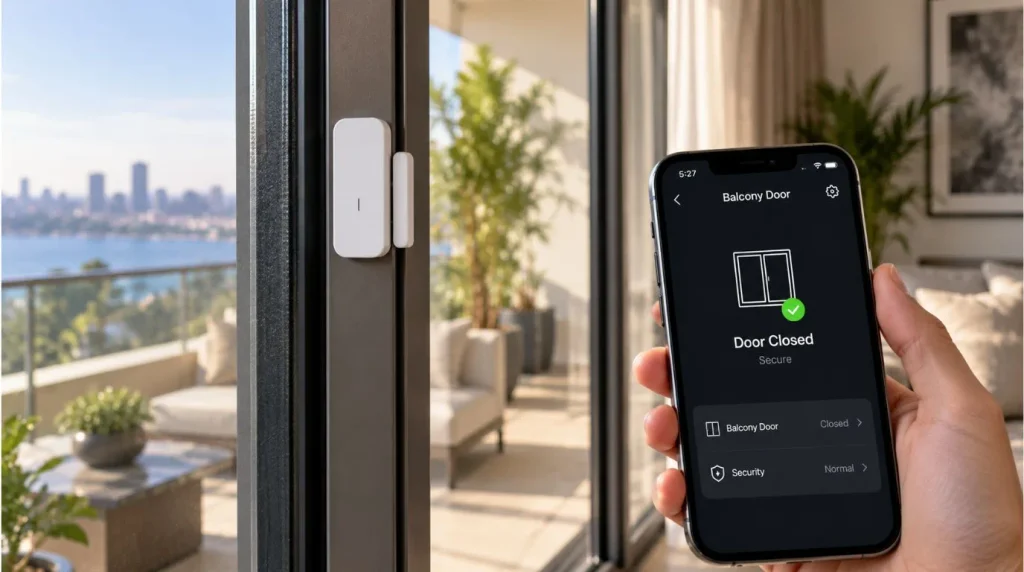
Windows are often overlooked when homeowners think about security. A professionally designed system can use door/window contact sensors to detect whether someone has unexpectedly opened a window or door.
This becomes particularly useful for:
- Ground-floor windows
- Balcony doors
- Terrace access
- Large sliding doors
- Service entrances
- Less frequently used rooms
For example, if a window opens while the homeowner is away, the system can send an alert right away. This is one of the simpler but highly practical applications of home automation for security.
3. CCTV Integration
CCTV becomes considerably more useful when it is connected to the wider security system.
Instead of cameras operating independently, homeowners can integrate surveillance with:
- Motion sensors
- Door sensors
- Video door phones
- Access control
- Lighting
- Mobile notifications
For example, motion detected near a side entrance could prompt the homeowner to check the corresponding camera feed. This helps reduce the problem of having dozens of cameras recording continuously without knowing which events actually require attention.
Home automation for security doesn’t replace CCTV. It can make CCTV more actionable.
4. Protecting Against Unauthorized Movement
Motion sensors can help identify unexpected movement inside or around the property.
They can be especially useful in:
- Hallways
- Staircases
- Living areas
- Garages
- Utility rooms
- Outdoor passages
- Restricted zones
Automation rules can be based on the time of day and the home’s occupancy status.
For example:
Away Mode
If movement is detected:
→ Security alert
→ Selected lights activate
→ Camera feed becomes relevant
→ Homeowner receives notification
This makes home automation for security more intelligent than simply leaving an alarm armed all day.
5. Creating an “Away Mode”
One of the most practical features of home automation for security is the ability to place the entire house into an away state. Instead of manually checking every room before leaving, homeowners can activate a single scene.
Depending on the system, Away Mode can coordinate:
- Lighting
- Curtains
- Security sensors
- Door locks
- HVAC
- Selected appliances
- CCTV
- Notifications
The idea is simple: One action changes the security state of the entire property.
This is particularly valuable for large villas where manually checking multiple systems can become inconvenient.
6. Making the Home Look Occupied
An empty home can sometimes become an obvious target. Automation can help create an appearance of normal occupancy.
For example, selected lights can operate according to programmed schedules rather than remaining completely off for days. You can also automate curtains according to predetermined routines. This can create a more natural occupancy pattern when homeowners are traveling.
It’s important to understand that this doesn’t guarantee protection against burglary. Instead, home automation for security can become one additional layer within a broader security strategy.
7. Protecting Restricted Areas
Not every room in a home needs the same level of access. For larger residences, homeowners may want additional controls around:
- Home offices
- Safes
- Storage rooms
- Wine cellars
- Utility rooms
- Server/network rooms
- Staff areas
- Private bedrooms
Access control can help define who should be able to enter particular areas. This becomes particularly useful in homes with household staff, service personnel, or frequent visitors.
The goal is not to make the house feel like a commercial facility. The goal is to provide appropriate access without unnecessary complexity.
8. Smart Lighting as a Security Layer
Lighting is often considered a comfort feature, but it can also play a role in security. Imagine a sensor detecting motion near an outdoor entrance at night. Instead of leaving the area dark, automation can activate selected lights.
Similarly, homeowners can create a nighttime security scene where:
- Exterior lights remain strategically active
- Hallway lighting operates at low levels
- Entry areas are illuminated when movement is detected
This is another reason home automation for security works best as an integrated system. The security system doesn’t have to operate independently from the home’s lighting.
9. Emergency and Safety Protection
Security isn’t only about intruders. A comprehensive home automation system strategy can also support responses to certain safety events.
Depending on the system and sensors installed, automation can monitor for:
- Smoke
- Fire alarms
- Water leaks
- Flooding
- Unusual environmental conditions
- Emergency triggers
For example, a water-leak sensor under a sink or near a utility area can detect a leak early. This expands home automation for security from intrusion protection into broader property protection.
10. Protecting Your Home When You’re Away
Remote awareness is another major advantage.
When you’re traveling, you may want to know:
- Did someone enter?
- Was a door opened?
- Is movement detected?
- Did an alarm trigger?
- Is there an unexpected event?
A properly designed automation system can provide relevant alerts depending on the configuration. However, homeowners should avoid turning every possible event into a notification.
If your phone sends dozens of unnecessary alerts every day, you can easily ignore important events. Good home automation for security should therefore be selective and intelligent, not noisy.
Wired vs Wireless Security Automation
When planning home automation for security, the underlying technology matters.
| Factor | Wireless System | Wired Professional System |
|---|---|---|
| Installation | Easier | Requires planning |
| Existing homes | Very suitable | Can require additional work |
| New construction | Suitable | Excellent opportunity |
| Infrastructure | Network-dependent | Dedicated infrastructure possible |
| Scalability | Depends on ecosystem | Strong when properly designed |
| Integration | Varies by platform | Strong with professional systems |
| Best use | Retrofit / smaller projects | Premium new builds / major renovations |
For new luxury homes, wired automation provides a solid foundation. It helps connect security, lighting, HVAC, curtains, and other systems.
KNX, for example, is an open building-automation standard used for integrating different building functions, including security and access-related applications.
How KNX Can Support Home Security
KNX is particularly relevant when discussing home automation for security in premium residences. The key advantage isn’t that KNX is simply a “security system.” Instead, KNX can provide an automation backbone through which different building systems can communicate.
For example, security events can be coordinated with:
- Lighting
- Shading
- HVAC
- Access systems
- Visualizations
- Other building functions
This creates a more unified environment.
A KNX installation can also run locally. This can help when homeowners want key automation features to work without cloud access. For a luxury home, this type of structured approach can be more future-ready than building security around unrelated consumer devices.
What Home Automation Cannot Protect You From
It’s important to keep expectations realistic. Home automation for security is not a replacement for every traditional security measure. Automation cannot guarantee that a burglary, fire, theft, or other incident will never happen.
It also cannot replace:
- Strong physical doors
- Quality locks
- Proper building design
- Professional security monitoring where required
- Fire safety equipment
- Good surveillance practices
- Human judgment
Think of automation as one layer of a security strategy. The best results usually come from combining physical security, surveillance, sensors, access control, and intelligent automation.
Common Mistakes to Avoid
Installing Too Many Unconnected Devices
Twenty smart devices aren’t necessarily better than a properly integrated system.
Ignoring Network Infrastructure
Many modern security devices depend on reliable networking, so network planning matters.
Automating Everything
Not every security event needs an automated response.
Poor Sensor Placement
Incorrect sensor positioning can create false alarms or missed events.
No Backup or Documentation
The homeowner should know what has been installed and how the system has been configured.
Choosing Technology Without Considering Future Support
A security system should be maintainable and expandable rather than dependent on obsolete components.
How We Approach Home Automation for Security at Techtastic
At Techtastic, we don’t start by asking, “Which smart security gadget should we install?” We start with the property.
We look at:
- Number of entrances
- Floor plan
- Windows and vulnerable openings
- Indoor and outdoor zones
- Occupancy patterns
- Lighting
- CCTV requirements
- Access control
- Networking
- Future automation requirements
Then we design the automation around the way the home actually functions. For us, home automation for security should remain intuitive for the homeowner.
A security system should provide confidence—not create another complicated technology problem.
Key Takeaways
If you’re considering home automation for security, remember:
- It can protect more than just the front door.
- You can monitor doors, windows, and restricted areas.
- You can integrate CCTV with sensors and alerts.
- Motion detection can trigger predefined automation.
- Smart lighting can support security at night.
- Away Mode can simplify security management.
- Automation can help monitor water leaks and certain safety events.
- KNX can provide a structured automation backbone for premium homes.
- Reliable networking and professional installation matter.
- Automation complements—not replaces—physical security.
Frequently Asked Questions (FAQs)
1. What does home automation for security protect
Home automation for security can help monitor doors, windows, access points, indoor and outdoor areas, restricted rooms and selected safety conditions such as smoke or water leaks.
2. Can home automation prevent burglary?
It cannot guarantee prevention. However, sensors, lighting, access control, CCTV integration and alerts can create multiple layers of deterrence and awareness.
3. Can I control home security remotely?
Depending on the system, homeowners can receive alerts and access selected controls or camera feeds remotely.
4. Can smart lighting improve home security?
Yes. Automated lighting can light up entrances or movement zones. It can also run on a schedule to mimic occupancy when residents are away.
5. Is CCTV part of home automation?
CCTV can operate independently, but integrating it with automation can make security events easier to identify and respond to.
6. Can home automation detect open windows?
Yes. Appropriate contact sensors can detect whether doors or windows have been opened and trigger configured responses or notifications.
7. Is KNX suitable for home security?
KNX can be suitable for premium residential automation where security needs to work alongside lighting, climate, shading and other building systems.
8. Does home automation for security work without the internet?
Some professional automation functions can operate locally. Remote monitoring obviously requires connectivity, so the exact behavior depends on the system architecture.
9. Does wired automation improve security?
For new construction and major renovations, wired professional infrastructure can offer strong reliability and integration possibilities. Wireless systems can be more practical for many existing homes.
10. Should security automation be designed with the interiors?
Absolutely. Ideally, coordinate sensor locations, switches, cameras, access-control devices, curtain controls, and networking with the architectural and interior design from the beginning.
Collaboration Opportunities for Architects & Interior Designers
Security automation works best when it is considered before the interiors are finalized. Architects and interior designers can collaborate with Techtastic during planning to coordinate:
- Sensor locations
- CCTV positioning
- Door access
- Smart switches
- Lighting scenes
- Curtain automation
- Network points
- Equipment locations
- Concealed wiring
- Security zones
This allows the technology to disappear into the architecture instead of becoming an obvious collection of devices. For luxury residences, that’s particularly important.
The best home automation for security systems is often the one you barely notice—until the moment you need them.
Areas We Serve
Techtastic works with homeowners, architects, interior designers, builders, and developers across: Navi Mumbai | Nashik | Lonavla | Sangli
We design integrated automation solutions for apartments, villas, and premium residential projects.
Final Verdict: Is Home Automation Good for Security?
Home automation for security can transform a home from a collection of individual security devices into a coordinated protection system.
Instead of simply locking doors and recording camera footage, homeowners can create intelligent relationships between access control, sensors, lighting, CCTV, alerts, and other building systems.
The most important thing, however, is not the number of smart devices. It is the quality of the overall system design.
A professionally planned solution should be reliable, intuitive, scalable and appropriate for the property. For a premium home, that’s ultimately what home automation for security should deliver: more awareness, more control and more confidence—without making everyday life complicated.
Contact Techtastic
🌐 Website: Techtastic Website
📞 Phone: 9769145145
📍 Service Areas: Mumbai • Navi Mumbai • Pune • Lonavala • Nashik • Sangli