
Summary
Smart home networking is the foundation of every reliable home automation system. While homeowners often focus on smart devices, the network connecting them plays a much bigger role in overall performance. Weak Wi-Fi, poor router placement, overcrowded networks, and outdated hardware can cause slow responses, disconnected devices, and unreliable automation. A professionally designed network, including mesh Wi-Fi, structured cabling, and wired automation where appropriate, ensures your smart home remains fast, secure, and ready for future expansion.
Quick Answer
A smart home depends on more than smart devices; it depends on a reliable network. Strong smart home networking ensures lighting, security cameras, climate control, voice assistants, and automation routines communicate quickly and consistently. Investing in proper Wi-Fi coverage, network design, and scalable infrastructure reduces connectivity problems and creates a smoother smart home experience.
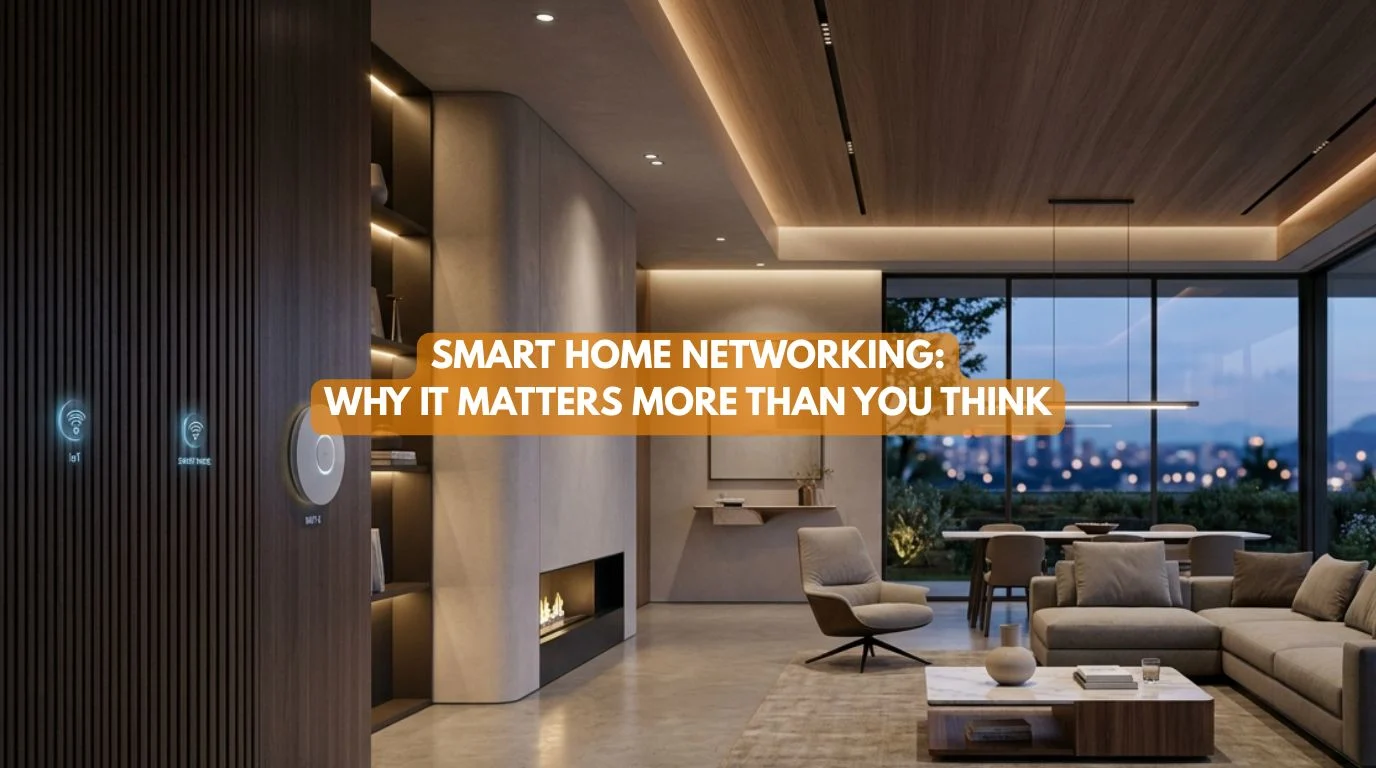
Smart Home Networking: Why It Matters More Than You Think
When homeowners think about building a smart home, they usually focus on devices.
- Smart lights.
- Smart switches.
- Security cameras.
- Voice assistants.
But there’s one component that quietly determines whether all those devices work reliably: Your network.
At Techtastic, we’ve found that many smart home problems aren’t caused by the automation system itself, they’re caused by poor smart home networking. A well-designed network keeps your smart home responsive, stable, and ready for future technology.
Why Smart Home Networking Is the Backbone of Automation
Every connected device communicates through your home’s network.
This includes:
- Smart lighting
- Smart switches
- Security cameras
- Smart locks
- Video doorbells
- Smart TVs
- Voice assistants
- Motorized curtains
- Smart thermostats
- Home theatres
If the network struggles, your entire smart home can struggle with it.
Common Problems Caused by Poor Networking
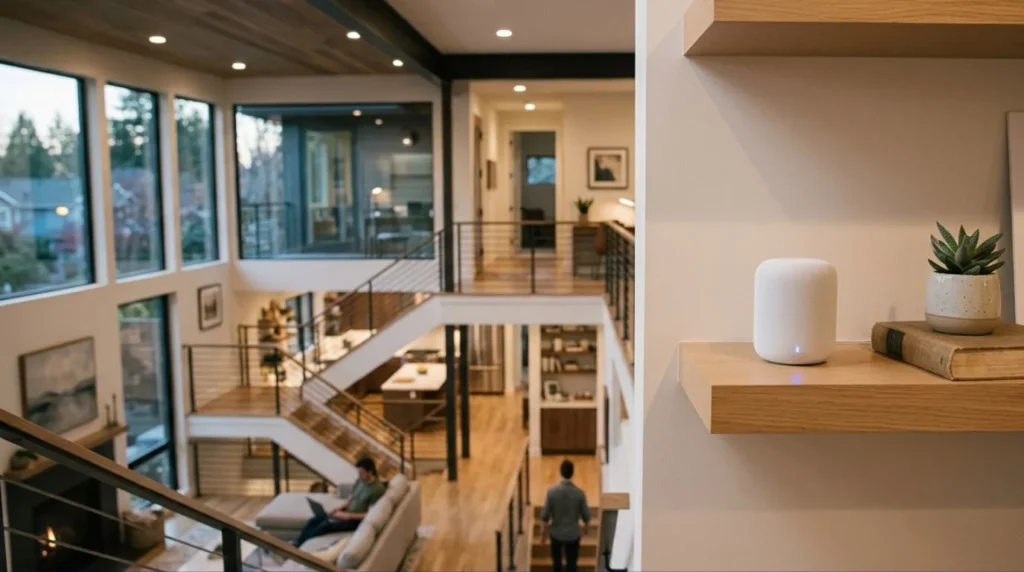
Weak networking often leads to:
- Slow device response
- Offline smart devices
- Delayed automation
- Video buffering
- Camera interruptions
- Voice assistant failures
- Mobile app connection issues
Many homeowners replace perfectly good devices when the real issue is the network.
What Makes Good Smart Home Networking?
A reliable smart home network should provide:
Strong Coverage
Every room should receive a stable signal.
Fast Communication
Devices should respond almost instantly.
Stable Connections
Automation should continue operating consistently throughout the day.
Capacity for Multiple Devices
Modern homes may have 50–100+ connected devices.
Your network should comfortably support current and future demand.
Security
A secure network protects connected devices from unauthorized access.
Wi-Fi vs Wired Connections
Wi-Fi
Ideal for:
- Smart speakers
- Smart bulbs
- Mobile devices
- Tablets
- Voice assistants
Benefits:
- Easy installation
- Flexible placement
- Good for retrofits
Wired Connections
Best for:
- Security cameras
- Home theatre equipment
- Network switches
- Access points
- Smart TVs
Benefits:
- Higher reliability
- Faster communication
- Lower latency
- Reduced wireless congestion
Many professionally designed smart homes use a combination of wired and wireless networking.
Why Mesh Wi-Fi Can Improve Performance
Large homes often have Wi-Fi dead zones.
A mesh Wi-Fi system:
- Improves coverage
- Reduces dropped connections
- Maintains stronger signals
- Supports roaming between rooms
For many homeowners, a mesh system is one of the best smart home networking upgrades available.
Structured Cabling: Planning for the Future
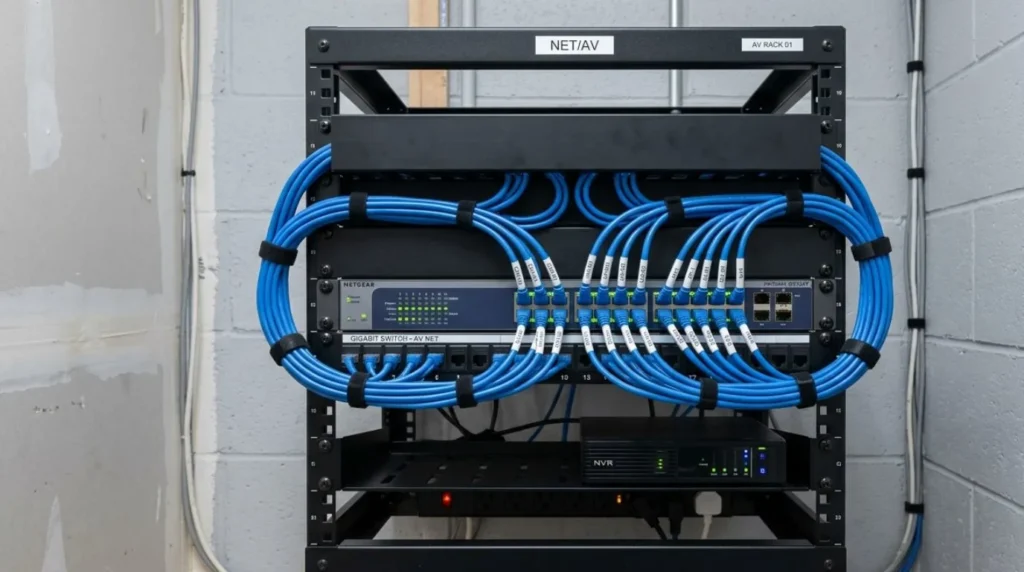
If you’re building or renovating, structured cabling is a worthwhile investment.
It supports:
- Wired internet
- Security systems
- Audio-visual equipment
- Wireless access points
- Future smart home technologies
Installing network cables during construction is significantly easier than retrofitting them later.
Why Networking Matters for Smart Home Automation
Automation depends on devices communicating reliably.
Examples include:
Good Morning Scene
- Lights brighten
- Curtains open
- Thermostat adjusts
Leaving Home
- Doors lock
- Lights turn off
- Security system arms
Movie Night
- Lights dim
- Curtains close
- Home theatre powers on
These experiences rely on dependable communication between devices.
Why KNX Homes Depend Less on Wi-Fi
One advantage of KNX home automation is that core automation communicates over a dedicated wired bus rather than relying entirely on Wi-Fi.
This offers:
- Faster local communication
- Higher reliability
- Reduced dependence on internet connectivity
- Stable operation even if Wi-Fi experiences issues
Wi-Fi remains important for mobile apps and remote access, but the automation itself continues operating locally.
Common Smart Home Networking Mistakes
Using an Old Router
Older routers may struggle with modern smart home demands.
Poor Router Placement
Avoid placing routers inside cabinets or behind large furniture.
Ignoring Dead Zones
Weak coverage leads to unreliable device performance.
Connecting Everything to Wi-Fi
Whenever practical, use wired connections for bandwidth-intensive devices.
Skipping Network Security
Use strong passwords, enable encryption, and keep networking equipment updated.
Why It Matters
Good networking improves:
- Smart home reliability
- Device response times
- Video quality
- Security system performance
- Automation consistency
- Future scalability
Without a solid network, even premium smart devices may fail to deliver the experience you expect.
Our Perspective at Techtastic
At Techtastic, we believe every successful smart home starts with a strong network. Before recommending automation products, we evaluate Wi-Fi coverage, network capacity, and infrastructure to ensure your home can support today’s connected devices and tomorrow’s innovations.
For larger homes and premium projects, we often combine enterprise-grade networking with KNX home automation, creating systems that are fast, dependable, and designed to operate reliably for years. Our goal is to make technology feel invisible and work quietly in the background while delivering a seamless everyday experience.
Collaboration Opportunities for Developers, Architects & Interior Designers
Reliable smart homes begin with reliable infrastructure.
At Techtastic, we collaborate with:
- Architects
- Interior designers
- Residential developers
- Luxury home builders
- MEP consultants
- Network infrastructure consultants
Network Planning
Design digital infrastructure alongside architectural plans.
Structured Cabling
Prepare homes for high-performance networking and automation.
KNX Infrastructure
Build dependable, scalable automation systems.
Smart Lighting & AV Integration
Coordinate networking with lighting, entertainment, and security.
Premium Residential Projects
Deliver seamless connected living experiences.
Future-Ready Developments
Ensure homes are ready for evolving technologies and increasing device counts.
Early planning creates stronger networks, cleaner installations, and fewer connectivity issues after occupancy.
Key Takeaways
- Smart home networking is the foundation of reliable automation.
- Strong Wi-Fi coverage improves device responsiveness and stability.
- Mesh Wi-Fi systems help eliminate dead zones in larger homes.
- Wired connections provide greater reliability for high-bandwidth devices.
- Structured cabling makes future upgrades easier and more cost-effective.
- KNX systems reduce dependence on Wi-Fi for core automation functions.
- Investing in your smart home networking improves the performance of every connected device.
Frequently Asked Questions
1. Why is smart home networking important?
A. Smart home networking allows smart devices to communicate with each other. A reliable network ensures automation runs smoothly, devices respond quickly, and connected systems remain stable.
2. Do I need mesh Wi-Fi for a smart home?
A. Not always. Smaller homes may work well with a single high-quality router, while larger homes often benefit from a mesh Wi-Fi system that provides consistent coverage throughout the property.
3. Can poor Wi-Fi cause smart home problems?
A. Yes. Weak signals, network congestion, and outdated routers can cause devices to disconnect, respond slowly, or fail to communicate reliably.
4. Should smart home devices be wired or wireless?
A. A combination is often best. Wireless devices offer flexibility, while wired connections provide greater speed and reliability for equipment like security cameras, access points, and home theatres.
5. What is structured cabling?
A. Structured cabling is a planned network of Ethernet cables installed throughout a building to support internet access, automation, security systems, and future technologies.
6. Does KNX require Wi-Fi?
A. No. KNX uses a dedicated communication bus for core automation, allowing lighting, climate control, and other functions to operate independently of Wi-Fi. Internet access is mainly needed for remote control and mobile apps.
7. How many devices can a smart home network support?
A. That depends on the quality of your smart home networking equipment. Modern professionally designed networks can comfortably support dozens or even hundreds of connected devices.
8. Should smart home networking be planned before building a home?
A. Absolutely. Designing the network early allows for better Wi-Fi coverage, structured cabling, cleaner installations, and easier future expansion.
Conclusion
Reliable smart home networking is just as important as the smart devices you choose. Strong Wi-Fi, thoughtful network design, and the right infrastructure ensure your lighting, security, climate control, and entertainment systems work together consistently and without frustration. Investing in your network today creates a smoother, more dependable smart home experience for years to come.
At Techtastic, we design smart homes with networking at the core. From enterprise-grade Wi-Fi and structured cabling to fully integrated KNX home automation, we build future-ready systems that deliver reliable performance, seamless connectivity, and the flexibility to grow as your home evolves.
📞 Call/WhatsApp: 9769145145
📍 Our Operational Hubs: Navi Mumbai | Nashik | Lonavla | Sangli
Looking for the best features to start with? Check out our practical guide on What’s Included in a Full Smart Home Installation in 2026?