
Summary
Effective smart home management begins after installation. Homeowners should become familiar with their mobile app, automation routines, user permissions, software updates, and basic troubleshooting while ensuring regular maintenance of connected devices. Professionally installed systems require minimal day-to-day management, but periodic updates, network health checks, and occasional automation adjustments help maintain optimal performance. Working with a trusted installer also makes future upgrades and support much easier.
Quick Answer
Smart Home Management after installation is usually straightforward. Learn how to use your control app, understand your automation scenes, keep your system updated, maintain a reliable network, and schedule periodic health checks with your installer. A professionally installed system should simplify your life and not require constant attention. With a little familiarity and occasional maintenance, your smart home can continue operating smoothly for many years.
How to Manage Your Smart Home After Professional Installation?
Installing a smart home is only the beginning. Once everything is up and running, many homeowners ask: “What happens next?”
The good news is that professionally installed homes make smart home management simple, requiring very little day-to-day effort. However, understanding a few basic maintenance and management practices will help keep your system reliable, secure, and ready for future upgrades.
At Techtastic, we don’t just install smart homes, but we help homeowners get the most out of them long after installation is complete. Here’s how smart home management becomes simple with the right knowledge and ongoing support.
1. Learn Your Smart Home App
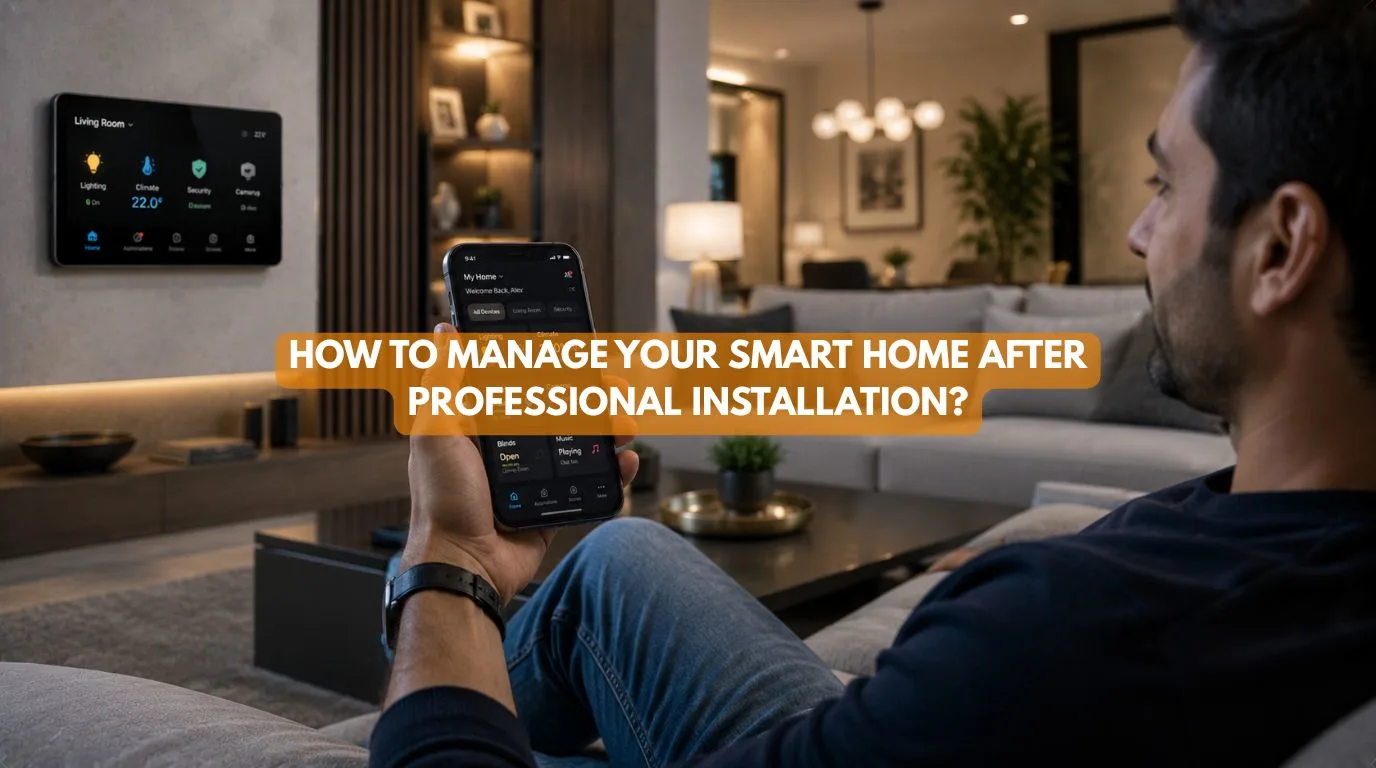
Your mobile app becomes the central control point for your home.
Spend time learning how to:
- Control lighting
- Manage security
- Adjust climate settings
- Operate motorized curtains
- Activate automation scenes
- Check device status
The more familiar you become with the app, the easier smart home management becomes in your everyday control.
2. Understand Your Automation Scenes
Your installer may create scenes such as:
Good Morning
- The lights turn on gradually
- Curtains open
- AC adjusts automatically
Leaving Home
- The lights switch off
- Doors lock
- Security activates
Good Night
- Curtains close
- Exterior lights switch off
- Alarm system arms
Knowing when and how these scenes operate helps you customize them over time.
3. Keep Your Network Healthy
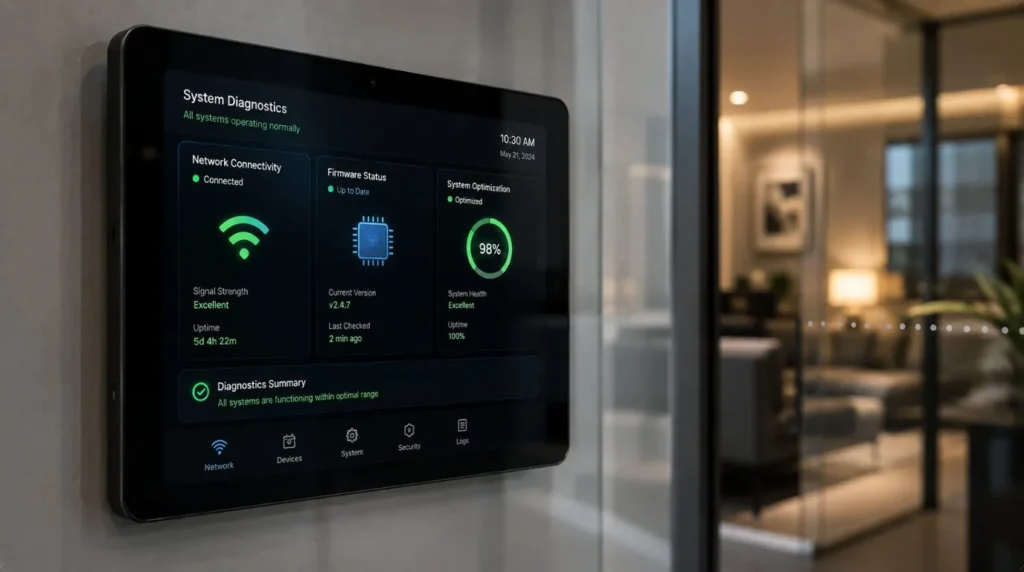
Most smart homes rely on a stable home network.
Regularly:
- Restart networking equipment if recommended.
- Ensure Wi-Fi coverage remains strong.
- Replace aging routers when necessary.
- Avoid unnecessary network congestion.
Reliable networking supports reliable automation.
4. Install Software Updates
Manufacturers periodically release updates that improve:
- Security
- Performance
- Compatibility
- Stability
Only install updates from trusted manufacturers or through your professional installer.
5. Review User Access
If multiple family members use the system:
Review:
- User accounts
- Mobile app permissions
- Guest access
- Temporary access codes
This keeps your smart home secure and organized.
6. Test Important Systems Periodically
Every few months, test:
- Security cameras
- Smart locks
- Motion sensors
- Alarm notifications
- Door sensors
- Automation routines
Regular testing helps identify small issues before they become larger problems.
7. Keep Devices Clean
Some smart devices benefit from simple maintenance.
Examples include:
- Cleaning camera lenses
- Dusting motion sensors
- Checking smart switches
- Inspecting motorized curtain tracks
Routine care helps maintain long-term performance.
8. Update Your Automation as Life Changes
Your routines evolve.
You may want to update automation after:
- Renovations
- New family members
- Working from home
- Lifestyle changes
- Adding new devices
Automation should evolve with your daily routine.
9. Expand Your System Gradually
One of the biggest advantages of a professionally designed smart home is scalability.
Future additions may include:
- Smart irrigation
- Home theatre
- Energy monitoring
- EV charger integration
- Solar integration
- Additional rooms
Good smart home management also means planning future upgrades without disrupting your existing automation.
10. Stay Connected with Your Installer
Professional support remains valuable even after installation.
Your installer can assist with:
- Software updates
- Troubleshooting
- New automation scenes
- Device additions
- Performance optimization
Having an ongoing relationship with your installer helps keep your system operating at its best. Professional support also makes smart home management easier as your system continues to evolve.
Create a Smart Home Maintenance Schedule
One of the easiest ways to simplify smart home management is by following a basic maintenance schedule. While most professionally installed systems require very little attention, setting aside a few minutes every few months helps ensure everything continues operating as expected.
A simple maintenance routine could include:
Monthly
- Check that all devices are online.
- Review app notifications for any alerts.
- Verify security cameras are recording correctly.
Every Three to Six Months
- Test smart locks, motion sensors, and alarm systems.
- Clean camera lenses and sensors.
- Inspect motorized curtain tracks for dust or obstructions.
- Review automation scenes to ensure they still match your routine.
Annually
- Schedule a professional system health check.
- Review network performance and Wi-Fi coverage.
- Discuss any planned upgrades or new smart devices with your installer.
A proactive maintenance schedule helps prevent small issues from becoming larger problems while ensuring your smart home continues delivering reliable performance for years.
Common Smart Home Management Mistakes
Ignoring Updates
Security and performance updates should not be postponed indefinitely.
Forgetting Password Security
Use strong passwords and enable multi-factor authentication whenever available.
Overcomplicating Automation
Simple routines are often the most reliable.
Mixing Too Many Ecosystems
Adding incompatible products can reduce reliability.
Waiting Too Long to Fix Small Issues
Addressing minor problems early helps prevent larger disruptions later.
Managing Wi-Fi vs KNX Systems
Wi-Fi Smart Homes
You’ll occasionally manage:
- Router performance
- Device connectivity
- Cloud services
- App updates
KNX Home Automation
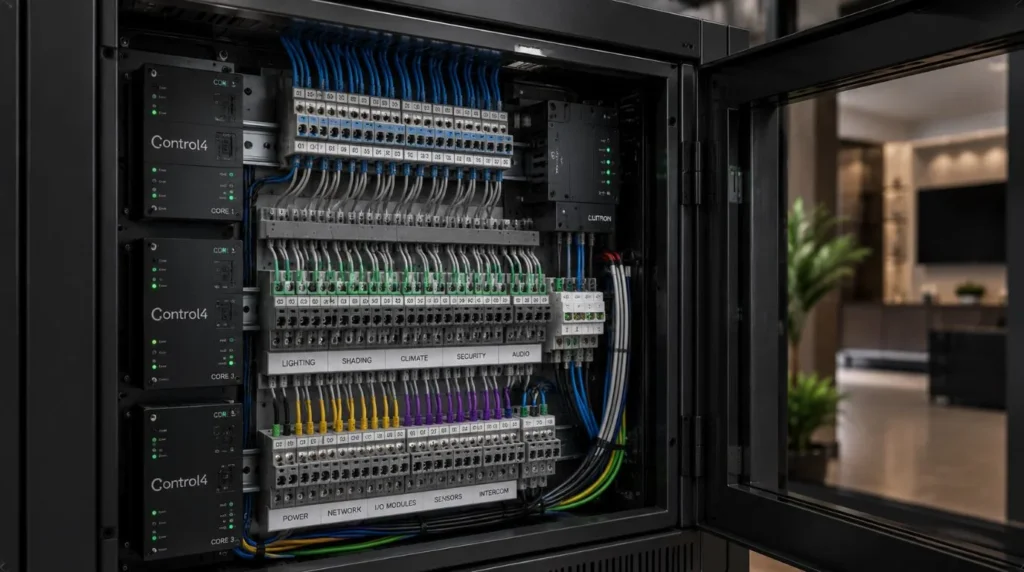
Because KNX operates locally, homeowners generally spend less time managing connectivity.
The system offers:
- Stable local operation
- Minimal maintenance
- Reliable automation
- Easy expansion through professional programming
Why It Matters
A smart home should become easier to use over time and not harder.
Good smart home management helps ensure:
- Reliable performance
- Better security
- Longer equipment life
- Easier future upgrades
- Consistent everyday convenience
The better you understand your system, the more value you’ll receive from it.
Our Perspective at Techtastic
At Techtastic, we believe installation is only the beginning of your smart home journey.
That’s why we focus on creating systems that are intuitive, dependable, and make smart home management easy, long after the project is complete. We also provide ongoing support to help homeowners update automation routines, expand their systems, and keep everything performing at its best.
Whether your home uses Wi-Fi automation or a fully integrated KNX home automation system, our goal is to ensure the technology continues working quietly in the background while making everyday life simpler.
Collaboration Opportunities for Developers, Architects & Interior Designers
Long-term smart home performance begins with thoughtful planning.
At Techtastic, we collaborate with:
- Architects
- Interior designers
- Residential developers
- Luxury home builders
- Property managers
- Commercial project planners
Smart Home Lifecycle Planning
Design systems that remain easy to maintain.
KNX Infrastructure
Build scalable automation with long-term reliability.
Structured Networking
Support dependable performance for connected homes.
Smart Lighting Integration
Create automation that’s easy for homeowners to manage.
Premium Residential Projects
Deliver intuitive smart home experiences.
Future-Ready Developments
Prepare homes for ongoing technology upgrades.
Planning for long-term management creates better homeowner experiences and reduces future maintenance challenges.
Key Takeaways
- Learn your smart home app and automation scenes after installation.
- Keep your network stable and install software updates regularly.
- Review user permissions to maintain security.
- Test cameras, sensors, and automation routines periodically.
- Expand your smart home gradually as your needs evolve.
- Stay connected with your installer for ongoing support and upgrades.
- Professionally installed systems require minimal day-to-day smart home management when properly maintained.
Frequently Asked Questions
1. How does smart home management work after installation?
A: For most homeowners, smart home management is done through a mobile app, voice assistant, or touch panel. Learning your automation scenes, keeping devices updated, and maintaining a reliable network are the most important ongoing tasks.
2. How often should I update my smart home?
A: Install updates when recommended by the manufacturer or your installer, particularly those related to security, stability, or compatibility.
3. Do smart homes require regular maintenance?
A: Very little. Occasional software updates, device cleaning, network checks, and testing of security systems are usually enough to keep everything running smoothly.
4. Can I change my automation routines later?
A: Yes. Most professionally installed systems allow automation scenes to be adjusted as your lifestyle or household needs change.
5. Should I contact my installer after installation?
A: Yes. Your installer can provide support, troubleshoot issues, update programming, and help expand your smart home over time.
6. Is KNX easier to maintain than Wi-Fi systems?
A: KNX systems generally require less day-to-day management because they operate locally and are less dependent on internet connectivity for core automation.
7. Can I add new devices later?
A: Absolutely. A professionally planned smart home is designed to accommodate additional lighting, security devices, climate control, entertainment systems, and energy management features.
8. What should I do if something stops working?
A: Check your network connection, restart the affected device if appropriate, and contact your installer if the issue persists or involves integrated automation.
Conclusion
Smart home management after professional installation is usually simple when your system is properly designed and supported. By learning your control app, keeping your network and software up to date, and performing occasional system checks, you can enjoy reliable automation with very little ongoing effort. A well-maintained smart home continues to deliver convenience, security, and comfort for years to come.
At Techtastic, we don’t just install smart homes; we provide the ongoing support needed to make smart home management simple, reliable, and stress-free.
📞 Call/WhatsApp: 9769145145
📍 Our Operational Hubs: Navi Mumbai | Nashik | Lonavla | Sangli
Whether you’re using a Wi-Fi-based system or a fully integrated KNX home automation solution, we help ensure your smart home remains reliable, scalable, and ready for whatever comes next.
Wondering how to manage all these requirements? Read our expert guide on the 4 Best Smart Home System Options for Beginners.