
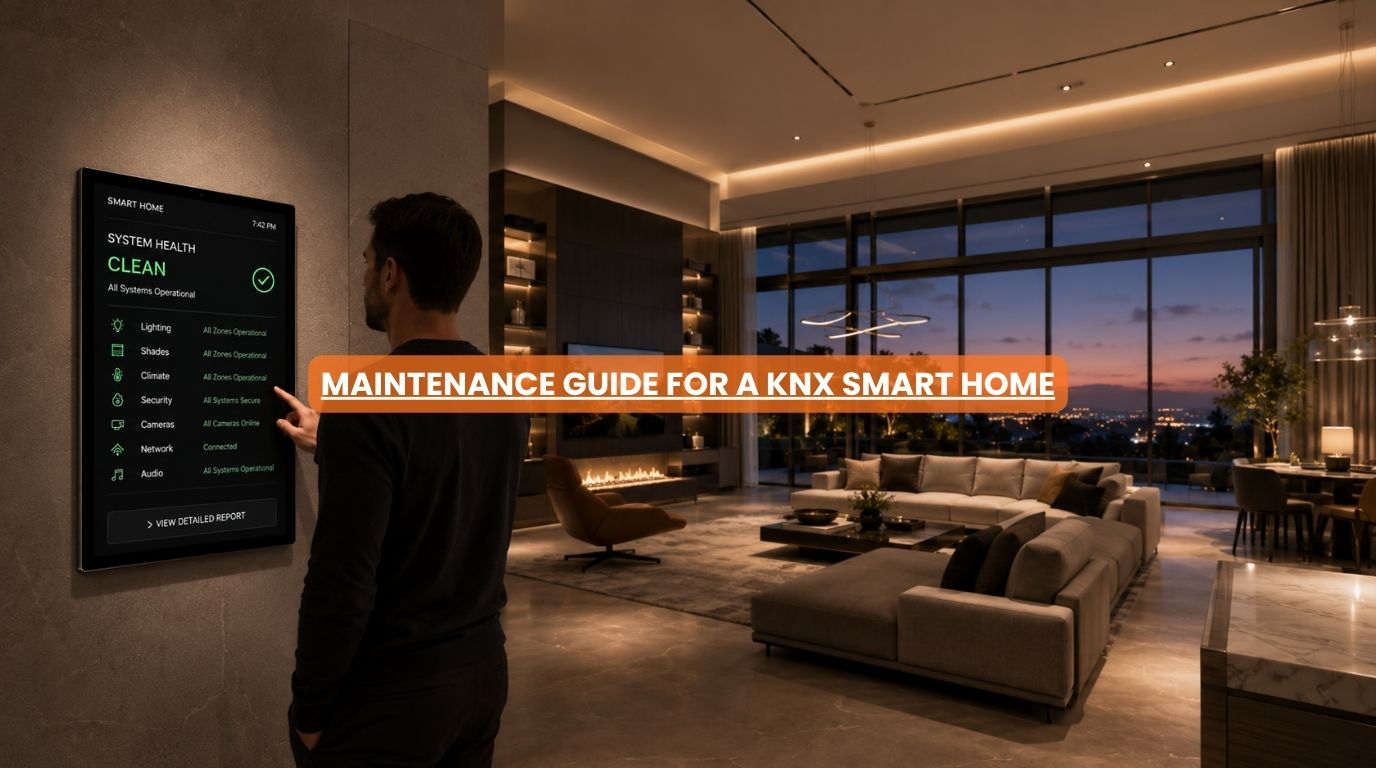
One of the biggest concerns homeowners have before investing in automation is maintenance. Questions often include:
- Will I need regular servicing?
- Do smart home systems become unreliable over time?
- Will I constantly need software updates?
- How difficult is troubleshooting?
These concerns are understandable.
Many homeowners have experienced consumer smart home devices that require frequent resets, firmware updates, or troubleshooting. However, KNX smart home automation is different.
At Techtastic, one of the reasons we frequently recommend KNX is because of its reputation for reliability and longevity. A properly designed KNX system can operate for years with minimal intervention. That doesn’t mean maintenance is unnecessary, but it does mean maintenance is typically simple, predictable, and infrequent.
Let’s explore what homeowners should know.
Summary
KNX smart home automation systems require significantly less maintenance than many consumer smart home platforms because they are designed for long-term reliability and professional installation. Most KNX maintenance involves occasional software updates, system backups, device inspections, network monitoring, and periodic reviews when adding new automation features. Properly installed KNX smart systems can operate reliably for many years with minimal intervention.
Quick Answer
KNX smart home automation systems require very little routine maintenance. Most homeowners only need occasional software updates, system backups, visual inspections, and periodic reviews when expanding or modifying automation features. Unlike many consumer smart home products, KNX is designed for long-term stability, making it one of the lowest-maintenance automation platforms available for residential properties.
Does KNX Smart Home Automation Require Maintenance?
The short answer is: Yes, but very little.
Unlike mechanical systems that experience significant wear and tear, KNX primarily relies on:
- Electronic devices
- Communication infrastructure
- Automation logic
- Programming
Most components have no moving parts. As a result, maintenance requirements are generally low compared to many other household systems.
Why KNX Is Known for Reliability
KNX has been used worldwide for decades. Unlike many consumer smart home platforms, KNX was designed as a professional building automation standard.
Key advantages include:
- Stable communication
- Multi-brand compatibility
- Long product lifecycles
- Local operation capabilities
- Scalability
This design philosophy contributes to exceptional long-term reliability.
Typical KNX Maintenance Tasks
For most homeowners, maintenance falls into a few categories.
1. Software and Firmware Updates
Manufacturers occasionally release updates to improve:
- Performance
- Security
- Compatibility
- Stability
Updates may apply to:
- Touch panels
- Visualization systems
- Gateways
- Mobile applications
Why Updates Matter
Updates can provide:
- Bug fixes
- New features
- Improved integration
- Enhanced cybersecurity
Fortunately, updates are usually infrequent compared to consumer smart home products.
2. System Backups
One of the most overlooked maintenance tasks is maintaining current backups.
A backup typically includes:
- Device configurations
- Programming files
- Automation logic
- Project documentation
Benefits of Backups
If modifications or hardware replacements are needed later, backups can significantly simplify recovery.
At Techtastic, we strongly recommend maintaining organized project records.
3. Device Health Checks
Although KNX smart devices are highly reliable, periodic inspections remain beneficial.
Examples include:
Touch Panels
Verify responsiveness.
Sensors
Confirm proper operation.
Switches and Keypads
Ensure physical controls function correctly.
Gateways
Verify communication stability.
These checks are generally quick and straightforward.
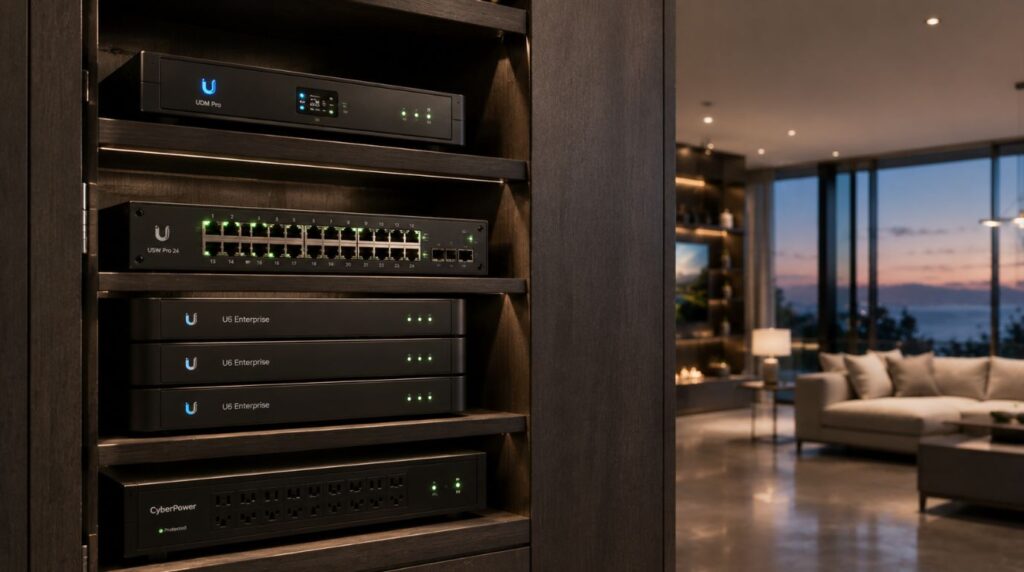
4. Network Infrastructure Monitoring
Many modern KNX installations integrate with:
- Mobile apps
- Remote access systems
- Security platforms
- Entertainment systems
These features often depend on networking infrastructure.
Areas to Monitor
- Wi-Fi performance
- Router health
- Network switches
- Remote access services
Many perceived KNX issues are actually network-related.
5. Smart Home Expansion Reviews
One of KNX’s biggest strengths is scalability.
Over time, homeowners often add:
- Motorized curtains
- Security systems
- Climate control
- Home theatres
- Energy management
Each expansion may require:
- Programming updates
- Integration reviews
- Automation refinements
Maintenance isn’t always about fixing problems—it often involves evolving the system.
How Often Should KNX Smart Systems Be Checked?
Most homeowners don’t need monthly maintenance.
A practical approach is:
| Maintenance Activity | Suggested Frequency |
| Visual inspection | Every 6–12 months |
| System backup review | Annually |
| Firmware updates | As needed |
| Network review | Annually |
| Expansion planning review | When adding features |
For most residential projects, annual reviews are sufficient.
Common KNX Issues Homeowners May Encounter
Although KNX is highly reliable, occasional issues can occur.
Network Connectivity Problems
Often related to:
- Router failures
- Wi-Fi issues
- Remote access configurations
Device Configuration Changes
Can occur after renovations or upgrades.
Visualization System Updates
Sometimes require adjustments following software updates.
Hardware Aging
Although rare, older components may eventually require replacement.
These issues are typically manageable and infrequent.
How Long Do KNX Components Last?
One reason homeowners choose a KNX smart home system is longevity.
Many KNX installations continue operating successfully for:
- 10 years
- 15 years
- 20 years or longer
This is significantly longer than many consumer smart home ecosystems. The modular nature of KNX also allows gradual upgrades rather than complete replacements.
KNX vs Consumer Smart Home Maintenance
| Consumer Smart Home | KNX Smart Home Automation |
| Frequent updates | Occasional updates |
| Device replacements common | Long product lifecycles |
| Cloud dependency | Local operation possible |
| Multiple apps | Unified ecosystem |
| Higher troubleshooting frequency | Greater reliability |
This difference becomes more noticeable over time.
Signs Your KNX System May Need Attention
Homeowners should watch for:
Delayed Responses
May indicate networking issues.
Device Communication Errors
Could require diagnostic review.
Unusual Automation Behavior
Often linked to programming changes.
App Connectivity Problems
Typically related to remote access infrastructure.
Most issues can be resolved quickly when addressed early.
Best Practices for Long-Term KNX Reliability
Maintain Documentation
Keep project files organized.
Back Up Configurations
Protect system settings.
Work With Experienced Integrators
Professional support simplifies future upgrades.
Monitor Networking Infrastructure
Strong connectivity improves overall performance.
Plan Future Expansions Thoughtfully
Maintain system consistency.
These practices help maximize long-term value.
Why It Matters for Modern Homes
Today’s homeowners expect technology to be:
- Reliable
- Convenient
- Secure
- Future-ready
A smart home that constantly requires attention defeats its purpose. KNX’s low-maintenance design is one of the reasons it remains popular in premium residential projects worldwide.
The goal is simple: Technology should quietly support daily life.
Our Perspective at Techtastic
At Techtastic, we’ve found that most KNX homeowners are surprised by how little maintenance their systems require.
The majority of our support interactions involve:
- System expansions
- New integrations
- Feature enhancements
Rather than repairs.
We typically recommend:
- Annual system reviews
- Backup management
- Periodic network health checks
- Thoughtful upgrade planning
A well-designed KNX smart home system should remain reliable for many years while continuing to evolve alongside the homeowner’s needs.
Collaboration Opportunities for Developers, Architects & Interior Designers
Long-term system reliability begins during project planning.
At Techtastic, we collaborate with:
- Architects
- Interior designers
- Residential developers
- Luxury home builders
- Hospitality consultants
- Project managers
KNX Infrastructure Planning
Create maintainable automation foundations.
Future Expansion Design
Support evolving homeowner needs.
Documentation Standards
Simplify long-term management.
Integrated Technology Planning
Improve reliability and serviceability.
Luxury Residential Projects
Deliver long-lasting automation experiences.
Future-Ready Developments
Support decades of technology evolution.
Early planning reduces maintenance complexity significantly.
Key Takeaways
- KNX smart home automation requires very little routine maintenance.
- Most maintenance involves updates, backups, inspections, and expansion planning.
- KNX systems often operate reliably for 10–20+ years.
- Networking infrastructure should be reviewed periodically.
- Annual system reviews are usually sufficient.
- Proper documentation and backups simplify future upgrades.
- KNX is generally far lower maintenance than many consumer smart home platforms.
Frequently Asked Questions
1. Does KNX require regular maintenance?
A. Yes, but maintenance requirements are minimal compared to many consumer smart home systems.
2. How often should a KNX smart home system be serviced?
A. Most residential KNX systems only benefit from annual reviews and occasional updates.
3. Do KNX devices need software updates?
A. Some devices may receive firmware or software updates, but these are generally infrequent.
4. How long do KNX smart systems last?
A. Many KNX installations remain operational for 10–20 years or longer.
5. What is the most common KNX maintenance task?
A. System backups, software updates, and network health checks are among the most common activities.
6. Does KNX require internet access?
A. No. KNX smart home system can operate locally without relying on cloud connectivity.
7. Can KNX smart systems be upgraded later?
A. Yes. One of KNX’s greatest strengths is its scalability and upgrade flexibility.
8. Is KNX more reliable than consumer smart home systems?
A. Generally, yes. KNX was designed for professional-grade reliability and long-term operation.
Conclusion
KNX home automation is one of the most reliable and low-maintenance smart home platforms available today. While no technology is completely maintenance-free, most KNX systems require only occasional updates, backups, inspections, and network reviews. With proper planning and professional implementation, homeowners can enjoy years, or even decades, of reliable automation with minimal effort.
At Techtastic, we help homeowners, architects, designers, and developers create KNX ecosystems built for long-term performance.
📞 Call/WhatsApp: 9769145145
📍 Our Operational Hubs: Navi Mumbai | Nashik | Lonavla | Sangli
By combining thoughtful planning, scalable infrastructure, and ongoing support when needed, KNX delivers a smart home experience that remains dependable long after installation is complete.
Want to ensure your system investment is fully protected? Head over to our deep dive on 10 KNX Installation Mistakes to Avoid to learn how we future-proof your smart home infrastructure.