
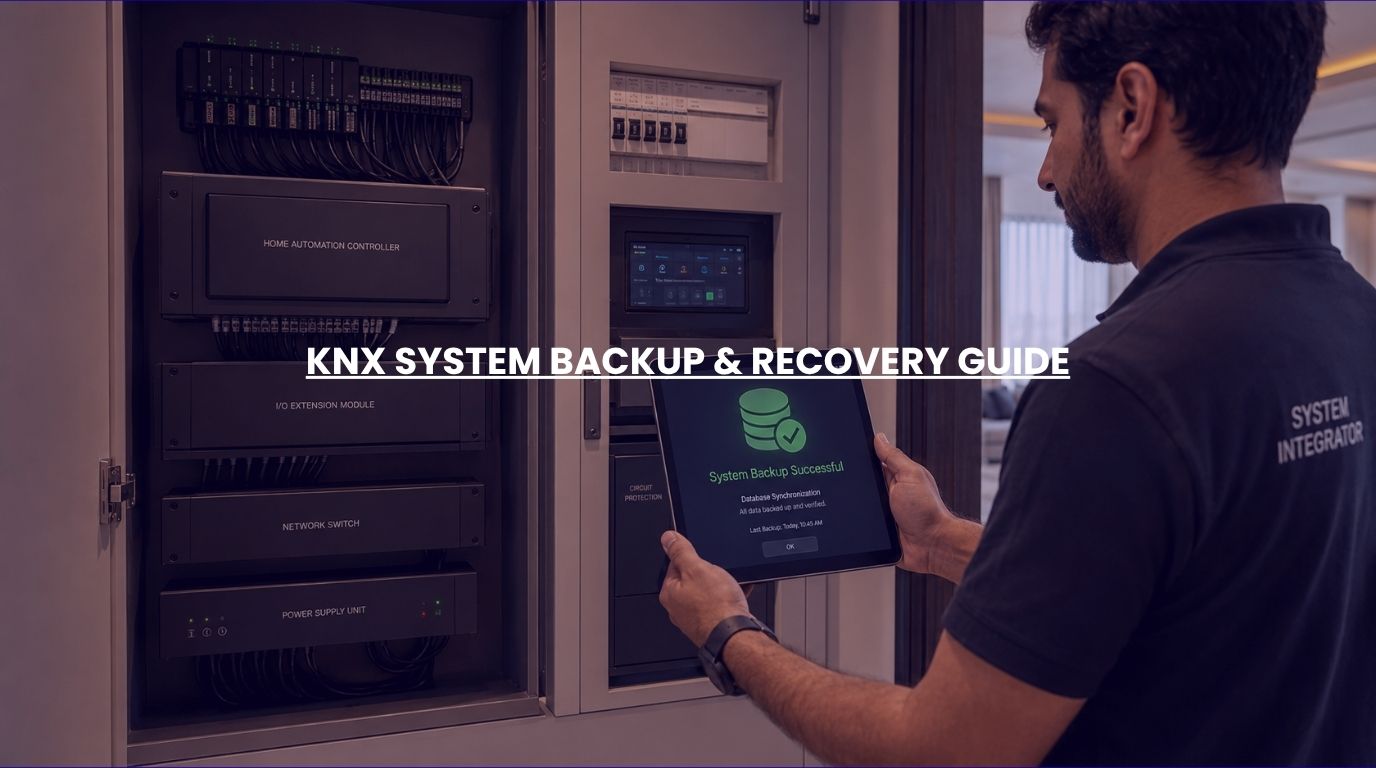
As smart homes become more sophisticated, homeowners are increasingly relying on automation systems to control lighting, climate, security, motorized curtains, entertainment systems, and access control.
With so much of the home’s functionality tied to a centralized automation platform, an important question naturally arises: “What happens if something goes wrong?”
Can your automation settings be restored after a hardware failure? What if a controller needs replacement? Will your lighting scenes, schedules, and configurations disappear?
At Techtastic, these concerns often surface during discussions about long-term smart home ownership. Fortunately, professionally designed KNX systems are built with reliability, flexibility, and recoverability in mind.
Understanding how KNX system backup and recovery work can help homeowners, architects, and developers make more informed decisions about protecting their automation investments.
Summary
KNX system backup and recovery refer to the process of securely storing and restoring automation project data, device configurations, logic settings, schedules, and system parameters. A properly maintained KNX installation allows integrators to recover system functionality after hardware replacement, upgrades, accidental changes, or other disruptions. Regular backups help protect automation investments, reduce downtime, and ensure long-term system reliability. For homeowners, a professionally managed backup strategy is one of the most important aspects of maintaining a future-ready smart home.
Quick Answer
KNX systems can be backed up and restored through project files, device configurations, controller backups, visualization data, and automation settings. When proper backup procedures are followed, most system configurations can be recovered after equipment replacement, upgrades, or unexpected failures. While KNX itself is highly reliable, maintaining current backups is essential to protect customized automation settings, schedules, lighting scenes, access control integrations, and other critical smart home functions.
What Is a KNX System Backup?
A KNX backup is a secure copy of the information required to restore an automation system.
Depending on the installation, this may include:
- KNX project files
- Device configurations
- Group addresses
- Automation logic
- Schedules and timers
- Visualization settings
- User interfaces
- Integration parameters
- Network configurations
Think of it as a complete blueprint of how the smart home has been configured.
Without proper backups, recreating a complex automation system can be time-consuming and costly.
Why Is KNX System Backup Important in Smart Home Automation?
Many homeowners assume that once a smart home is installed, the configuration remains permanently stored.
While KNX devices are designed for exceptional reliability, certain situations may require system recovery.
Examples include:
- Hardware replacement
- Controller upgrades
- Accidental configuration changes
- Electrical damage
- Network reconfiguration
- Renovation projects
- System expansions
Having a current backup allows these situations to be addressed quickly and efficiently.
What Data Can Be Backed Up in a KNX System?
ETS Project Files
The most important backup component is the ETS project file.
This file contains:
- Device assignments
- Group addresses
- Programming structure
- Communication relationships
- Project documentation
Without the ETS project, future modifications become significantly more difficult.
For this reason, professional KNX integrators carefully maintain project files throughout the system lifecycle.
Visualization and User Interface Settings
Many modern smart homes include:
- Mobile applications
- Touch panels
- Wall interfaces
- Visualization dashboards
These custom interfaces often contain:
- Personalized room layouts
- User preferences
- Custom control pages
- Automation scenes
Backing up these settings ensures a consistent user experience after restoration.
Automation Logic and Scenes
Modern KNX installations frequently include advanced automation logic.
Examples include:
- Good Morning scenes
- Vacation modes
- Security routines
- Climate control logic
- Lighting schedules
These customized behaviors are often among the most valuable aspects of a smart home system.
Regular backups protect these configurations.
Integration Settings
KNX often interacts with:
- Security systems
- CCTV systems
- Smart locks
- HVAC systems
- Motorized curtains
- Audio systems
- Home theatre systems
Integration settings can require substantial configuration effort.
Proper backups simplify future recovery and maintenance.
Common Situations That Require KNX System Backup
Controller Failure
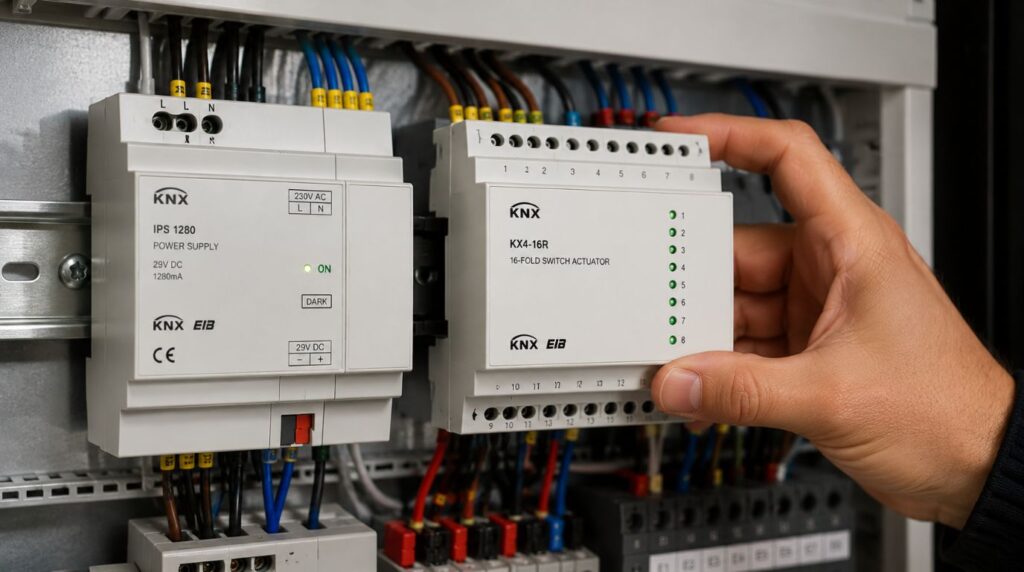
Although rare, controllers can eventually require replacement.
When backups are available:
- Configurations can be restored.
- Automation resumes quickly.
- Downtime is minimized.
Home Renovations
Large renovations may involve:
- Electrical changes
- Device relocation
- Room modifications
Backups help ensure that automation settings remain protected during construction activities.
System Expansion
Many homeowners expand their smart homes over time.
New additions may include:
- Lighting zones
- Security devices
- Entertainment systems
- Climate controls
Backup files provide a reliable foundation for future upgrades.
Accidental Programming Changes
Configuration errors can occur during maintenance or updates.
A recent backup allows integrators to restore previous settings quickly.
How Reliable Is KNX Compared to Consumer Smart Home Systems?
One reason KNX is widely used in luxury homes and commercial buildings is its reliability.
Unlike many consumer-focused smart devices, KNX systems are designed for:
- Long-term operation
- Distributed intelligence
- Device independence
- Professional integration
- Scalable architecture
In many cases:
- Lighting switches continue functioning.
- Automation remains operational.
- Core functionality persists.
Even if certain components experience issues.
This distributed architecture improves resilience compared to cloud-dependent systems.
Best Practices for KNX System Backup and Recovery
Maintain Updated Project Files
Every system modification should be documented and backed up.
Outdated project files can complicate future maintenance.
Store Backups Securely
Backups should be stored in multiple secure locations.
Examples include:
- Secure local storage
- Company backup systems
- Encrypted cloud storage
- Project archives
Redundancy improves protection.
Document System Changes
Maintaining accurate records simplifies troubleshooting and future expansion.
Documentation should include:
- Device locations
- IP addresses
- Integration details
- Custom logic descriptions
Review KNX System Backup Procedures Regularly
As systems evolve, backup strategies should evolve as well.
Regular reviews help ensure recovery readiness.
KNX System Backup vs Traditional Smart Home Systems
| Feature | KNX System | Typical Consumer Smart Home |
|---|---|---|
| Professional project files | Yes | Often limited |
| Long-term maintainability | Excellent | Variable |
| Recovery flexibility | High | Moderate |
| Device independence | High | Lower |
| Scalability | Excellent | Limited by ecosystem |
| System documentation | Comprehensive | Often minimal |
This is one reason KNX remains a preferred choice for future-ready smart buildings.
What Happens If a KNX Project File Is Lost?
This is one of the most important questions homeowners should ask.
Without access to the original project file:
- Future modifications become more difficult.
- Troubleshooting may require additional effort.
- Expansion projects become more complex.
- Reprogramming may take longer.
For this reason, homeowners should always ensure project files are properly maintained and accessible.
At Techtastic, project documentation and backup management are considered essential parts of every professional installation.
Is Your Smart Home Data at Risk?
In most cases, no.
KNX systems are inherently reliable and designed for long-term stability.
However, risks can arise from:
- Poor documentation
- Missing project files
- Inadequate backup procedures
- Improper maintenance practices
The good news is that these risks are highly manageable when professional standards are followed.
Why It Matters for Modern Homes
Today’s smart homes often control critical functions, including:
- Lighting
- Security
- Access control
- Climate management
- Energy monitoring
- Entertainment systems
As automation becomes more deeply integrated into daily life, backup and recovery planning becomes increasingly important.
Homeowners are no longer simply protecting devices—they’re protecting the intelligence of the home itself.
Our Perspective at Techtastic
At Techtastic, we view backup and recovery planning as a fundamental part of every KNX project.
While homeowners naturally focus on features such as lighting control, security integration, and automation scenes, long-term system protection is equally important.
We typically recommend:
- Secure project file management
- Comprehensive system documentation
- Structured backup procedures
- Recovery planning for future upgrades
- Scalable system architecture
We’ve found that homeowners gain greater confidence in their smart home investment when they know their automation environment can be maintained, expanded, and restored efficiently over time.
Collaboration Opportunities for Developers, Architects & Interior Designers
Long-term technology planning begins during the design stage.
At Techtastic, we collaborate with:
- Architects
- Interior designers
- Luxury home builders
- Real estate developers
- Hospitality consultants
- Commercial project planners
Future-Ready Automation Planning
Design systems that support long-term maintenance and expansion.
Documentation & Asset Management
Ensure technology infrastructure remains organized throughout the project lifecycle.
Integrated Security & Automation Design
Create resilient smart environments.
Smart Infrastructure Planning
Support future technology upgrades without disruption.
Luxury Residential Projects
Deliver automation systems designed for longevity and reliability.
Hospitality & Commercial Applications
Implement scalable solutions with robust recovery strategies.
Early planning improves both system performance and long-term maintainability.
Key Takeaways on KNX System Backup
- KNX systems support comprehensive backup and recovery procedures.
- ETS project files are among the most critical assets to protect.
- Regular backups help minimize downtime and simplify maintenance.
- Automation logic, schedules, and integrations should be backed up routinely.
- Proper documentation improves long-term system reliability.
- Professional backup strategies protect the homeowner’s automation investment.
Frequently Asked Questions
Can a KNX system be backed up?
Yes. KNX project files, configurations, automation logic, and related settings can be backed up and restored.
What is the most important KNX system backup file?
The ETS project file is typically the most important KNX system backup component because it contains the system’s configuration and programming structure.
Can a KNX system backup be done after hardware replacement?
In most cases, yes. Proper KNX system backup allows configurations to be restored to replacement hardware.
How often should a KNX system backup be updated?
A KNX system backup should generally be updated whenever significant system changes or expansions occur.
What happens if the ETS project file is lost?
Future modifications and maintenance may become more difficult, requiring additional engineering effort.
Does KNX store data in the cloud?
KNX primarily operates locally, although cloud services may be integrated depending on the project design.
Are KNX systems more reliable than consumer smart home systems?
KNX is widely regarded as one of the most reliable and scalable building automation standards available.
Should homeowners keep a copy of their KNX project files?
Yes. Homeowners should ensure that project files are securely maintained and accessible for future service and expansion needs.
Conclusion
A smart home is only as resilient as its ability to recover from unexpected situations. While KNX systems are renowned for reliability, proper KNX system backup and recovery planning remains essential for protecting the configurations, automations, and integrations that make a smart home truly intelligent.
At Techtastic, we believe that every KNX installation should be designed not only for performance today but also for maintainability tomorrow.
📞 Call/WhatsApp: 9769145145
📍 Our Operational Hubs: Navi Mumbai | Nashik | Lonavla | Sangli
Through secure KNX system backup procedures, comprehensive documentation, and future-ready planning, homeowners can enjoy the confidence that their smart home investment remains protected for years to come.